


















Large touchscreens once made new cars feel futuristic, clean, and premium. Now, many drivers are discovering that a screen-heavy cabin can feel less impressive when a simple task takes extra taps, extra glances, or a moment of hesitation in traffic. What looks sleek in a showroom can feel distracting on a rough road, in winter gloves, or during a stressful commute.
This piece covers 12 reasons some drivers are regretting massive touchscreens in new cars, from buried climate controls and laggy menus to repair costs, safety concerns, and the quiet return of physical buttons. The issue is not that screens are useless. Navigation, cameras, charging information, and smartphone integration can be genuinely helpful. The regret usually starts when the screen becomes the only doorway to everyday controls that once worked by touch, memory, and feel.
Basic Controls Can Take Too Much Attention
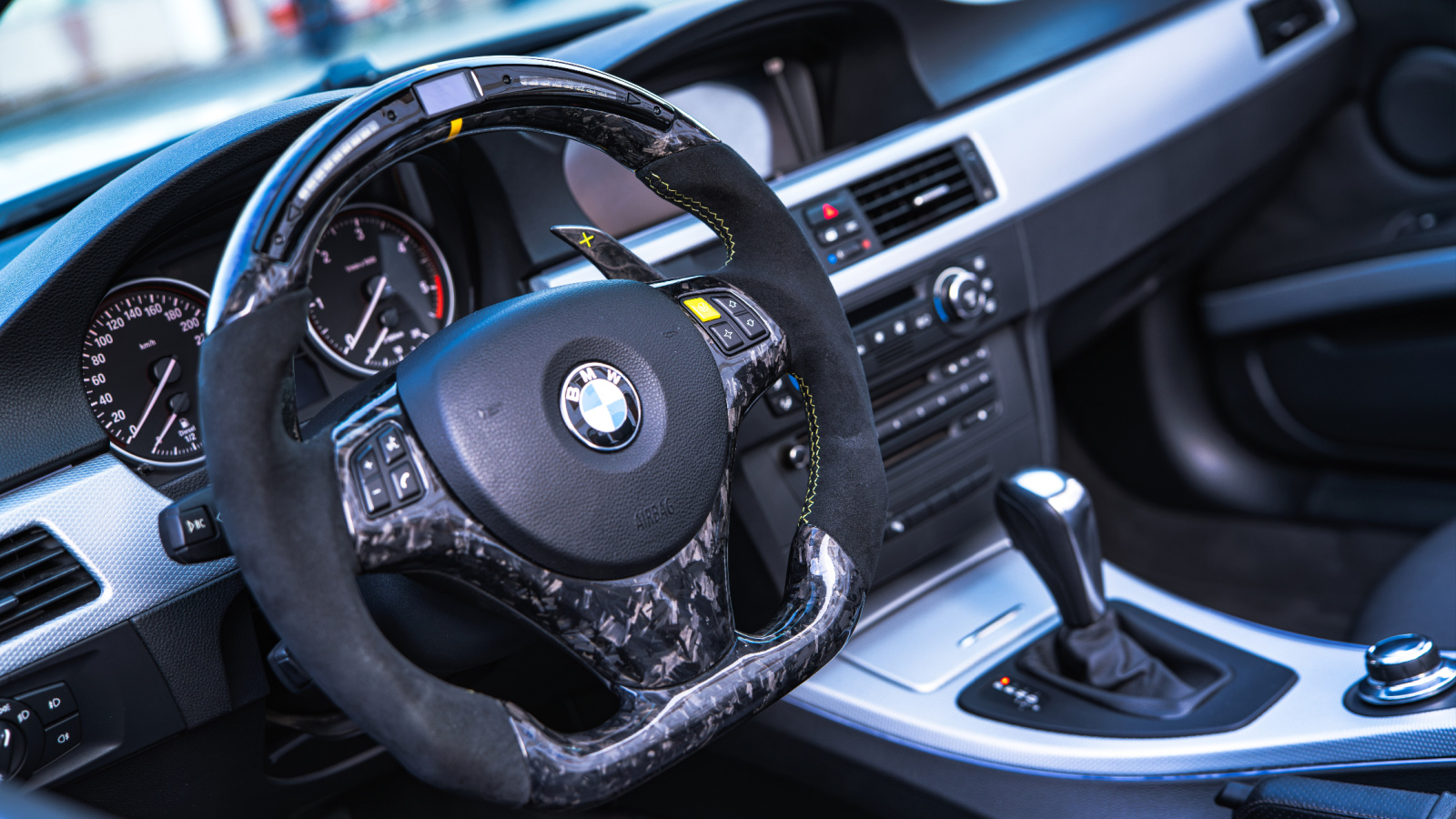
The biggest complaint is simple: tasks that once required a twist, press, or quick reach now require eyes on a screen. Adjusting temperature, changing fan speed, turning on defoggers, or switching audio sources can become a small visual search. That may sound minor while parked, but it feels very different while merging, navigating traffic, or driving at highway speed.
Drivers often realize the problem after the honeymoon period ends. A giant display looks advanced during a test drive, yet real life brings potholes, glare, passengers, and time pressure. Physical knobs allow muscle memory to do much of the work. Touchscreens demand more confirmation because a flat glass surface gives little tactile guidance. For many owners, the regret is not about technology itself. It is about losing controls that could be used confidently without looking down.
Climate Settings Are Often Buried Too Deep
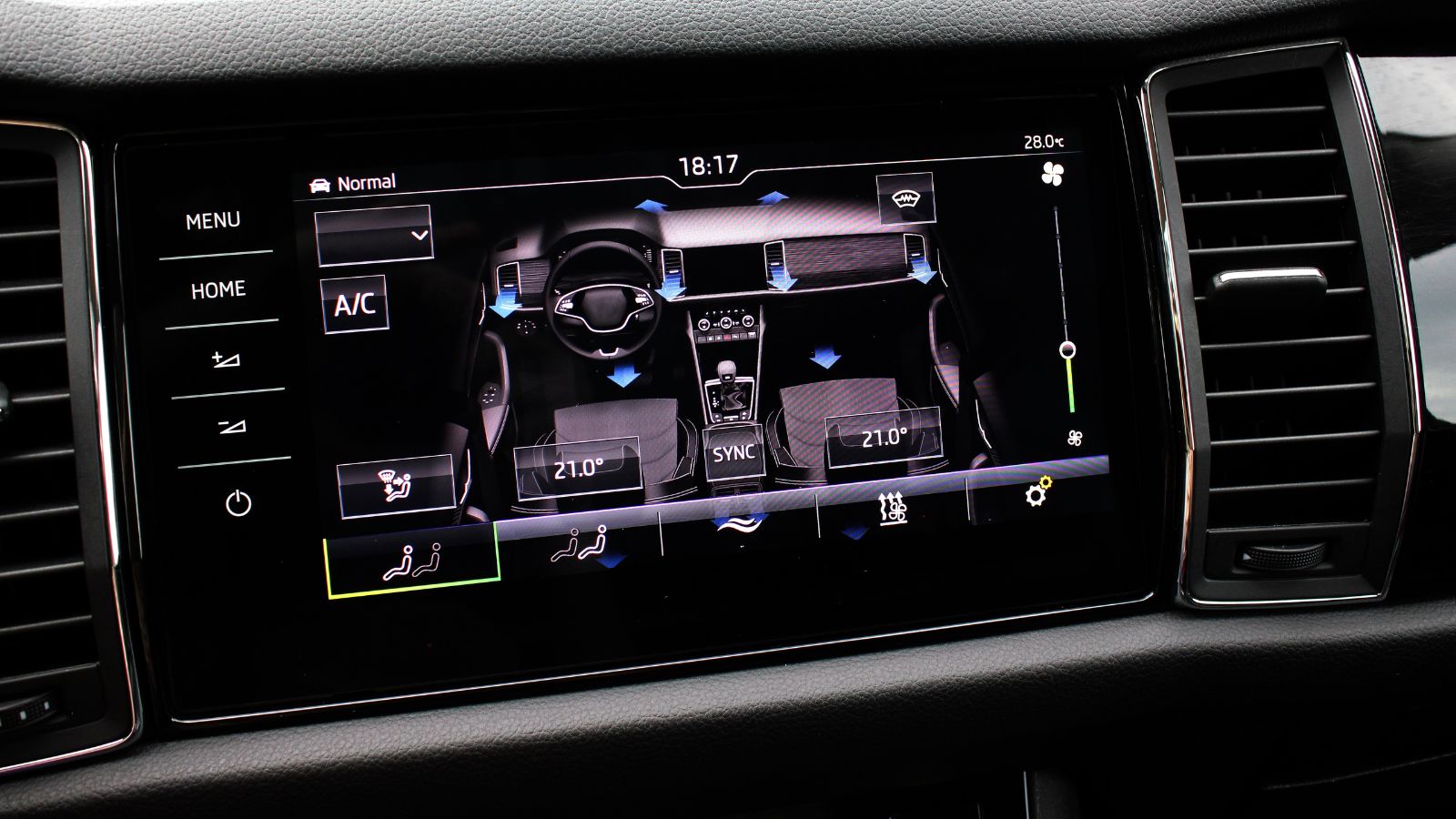
Climate controls are among the most frustrating features to move fully onto a touchscreen. Temperature and fan speed change constantly in everyday driving, especially in places with cold mornings, humid windows, or passengers who prefer different settings. When those adjustments sit behind icons, menus, or small digital sliders, a routine comfort change can become a distraction.
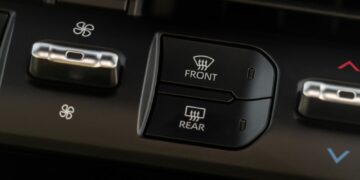
This is especially noticeable when visibility is involved. A driver trying to clear fog from the windshield does not want to hunt through a menu. The same goes for heated seats, rear defrost, or air-direction controls during a sudden weather shift. Physical climate controls rarely felt glamorous, but they were predictable. Many screen-heavy cabins trade that certainty for a cleaner dashboard, and some drivers only discover later that minimalist design can make the most common tasks feel unnecessarily complicated.
Touchscreens Can Be Harder to Use on Rough Roads
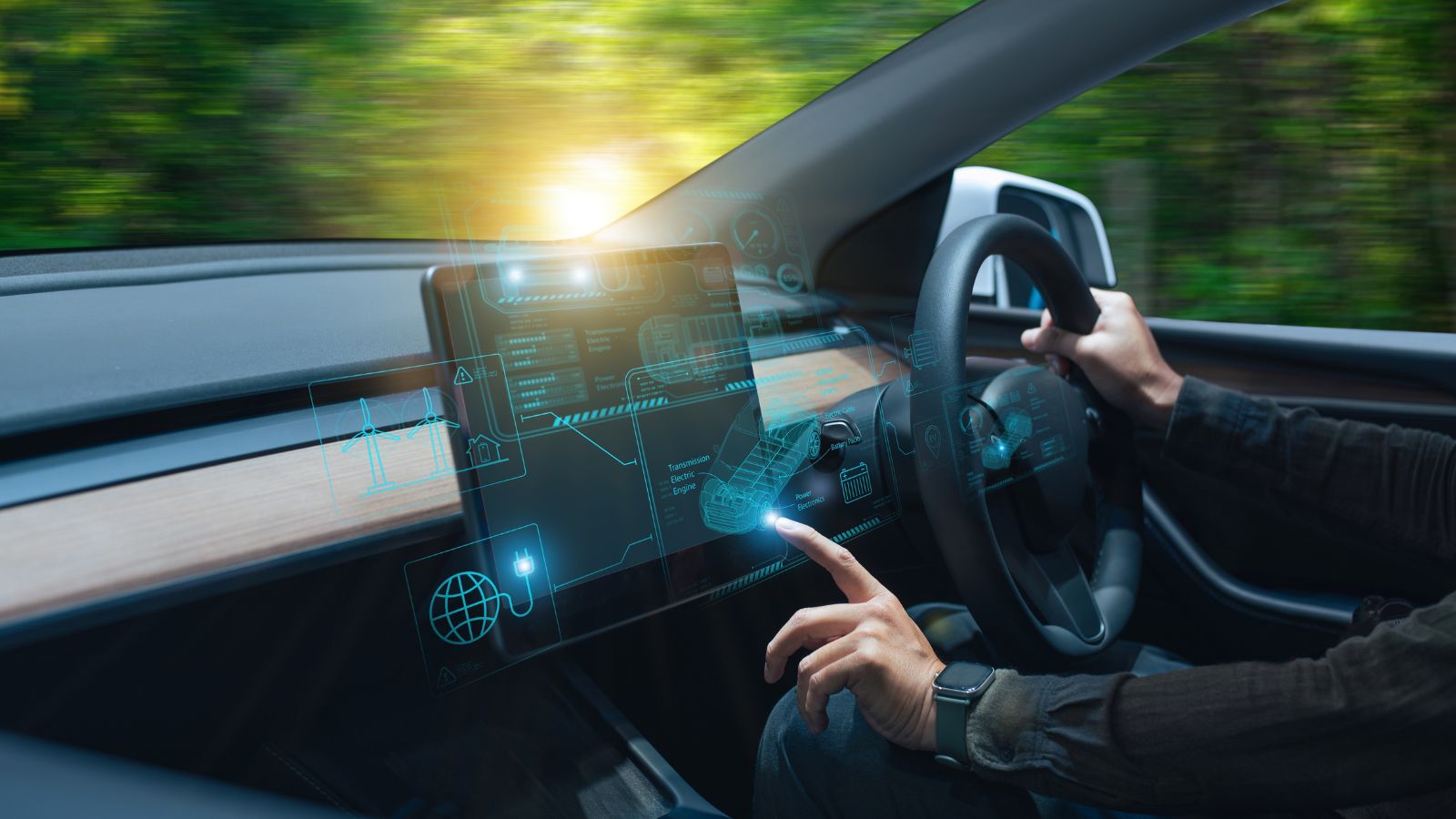
A touchscreen assumes the driver can place a finger accurately on a moving target. That is easier in a parked car than on a bumpy road, uneven pavement, gravel, or during winter-rutted driving. A button or knob can be gripped and adjusted even when the vehicle is moving. A screen icon, by contrast, requires precision at the exact moment the cabin is shaking.
This is why some drivers find large screens more frustrating outside perfect conditions. Tapping the wrong icon can open a different menu, change the wrong setting, or force another glance. The larger the screen, the more automakers may feel tempted to spread controls across different zones, which can make the interface look elegant but less predictable. Drivers who spend time on imperfect roads often learn that physical feedback is not old-fashioned. It is useful engineering for a moving environment.
Glare, Smudges, and Reflections Can Reduce Usability
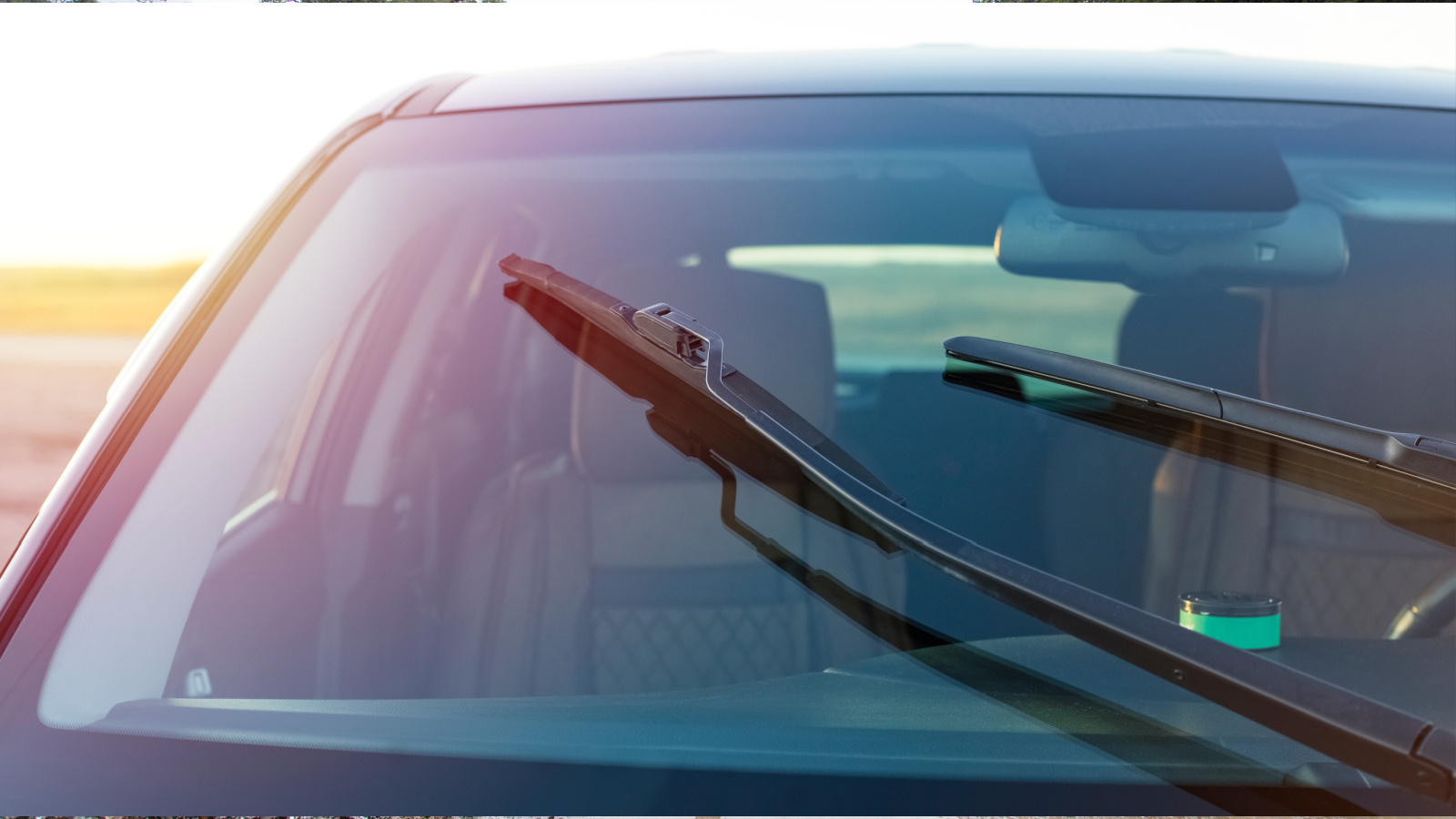
Large glossy displays are visually impressive, but they also collect fingerprints, reflect sunlight, and show dust. In bright conditions, a screen can become harder to read just when a driver needs quick information. At night, the opposite problem can appear: a large illuminated panel may feel too bright, especially if the dimming controls are not obvious or if the display remains visually busy.
Smudges are not just a cosmetic annoyance. They can blur icons, reduce contrast, and make the cabin feel messier than expected. Some drivers keep microfiber cloths in the console because the screen becomes a constant touch surface for navigation, audio, phone calls, and climate settings. Traditional buttons also got dirty, but they did not dominate the dashboard like a tablet. With massive touchscreens, the display becomes both the centerpiece and the most handled surface in the car.
Software Lag Makes Simple Tasks Feel Worse
A physical switch usually responds immediately. A touchscreen depends on software, processing speed, animations, and sometimes background systems that may be loading at startup. When a screen hesitates, freezes, or takes several seconds to wake up, drivers can feel stuck waiting for access to controls that should be instant.
This becomes especially irritating with features used at the beginning of a trip. Backup cameras, navigation, climate settings, drive modes, and phone connections may all compete for attention as the vehicle starts. A short delay may not matter on a showroom floor, but it can be maddening in a driveway, parking garage, or school drop-off line. Drivers often regret screen-heavy interiors when they realize the car’s basic usability now depends on software behavior, not just mechanical control placement.
Infotainment Problems Can Sour the Whole Vehicle
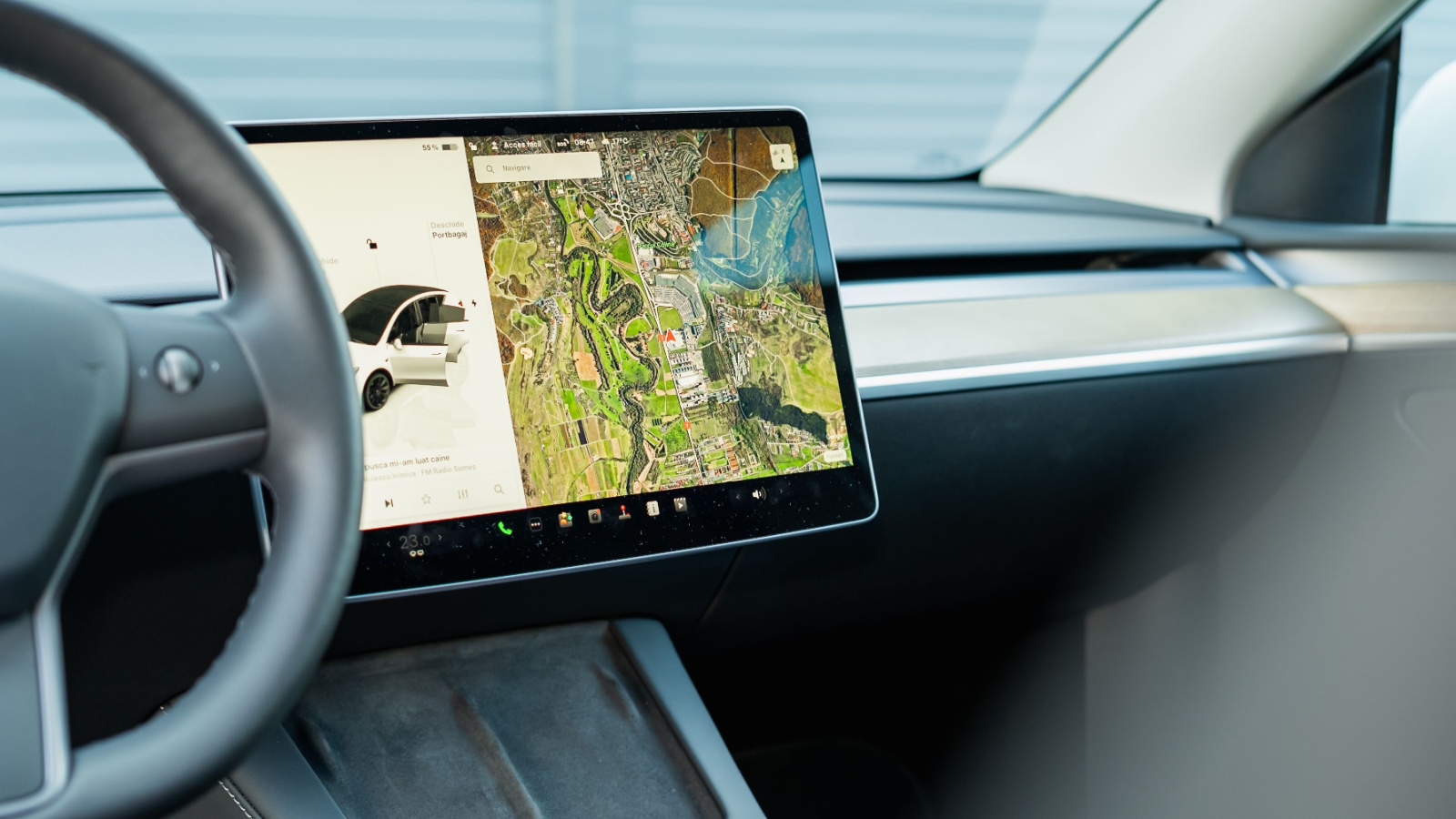
Modern vehicles are complicated, but infotainment issues stand out because drivers interact with them every trip. A powertrain problem may be rare; a clumsy interface can be annoying every morning. Owners may still like the ride, seats, fuel economy, or styling, yet leave the car feeling disappointed because the central screen shapes the entire experience.
This is why screen complaints can feel bigger than their technical seriousness. A frozen display, failed phone connection, confusing menu, or lagging map affects how modern drivers judge the cabin. Large touchscreens also combine many functions into one place, so a single glitch can touch navigation, audio, climate, camera views, and vehicle settings at once. When the screen becomes the control hub, it also becomes the place where frustrations pile up.
Too Many Features Create Menu Fatigue
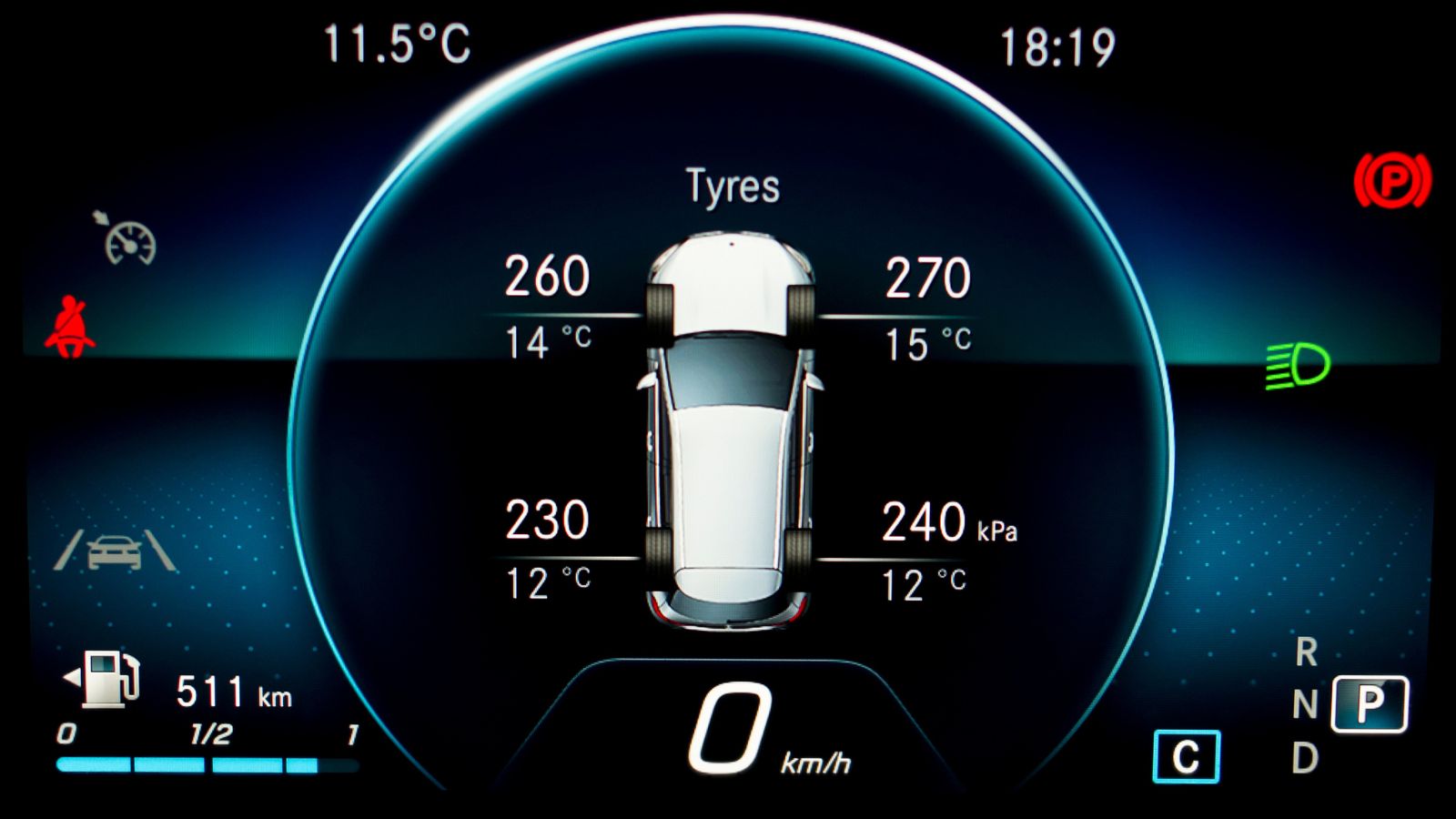
Massive screens invite automakers to add more features, submenus, layouts, profiles, themes, widgets, and settings. Some of those tools are useful, but the total experience can feel crowded. A driver may not need five display modes or a deep settings tree when trying to change one basic function quickly.
Menu fatigue often appears after ownership begins. During a demo, a salesperson can explain where everything lives. Months later, a less-used setting can feel hidden. Owners may search through categories such as comfort, vehicle, display, safety, driver assistance, or apps before finding the right toggle. More screen space does not automatically mean better organization. In some vehicles, it simply gives designers more room to bury simple functions inside a digital cabinet that looks clean until someone needs something in a hurry.
Voice Controls Still Do Not Solve Everything
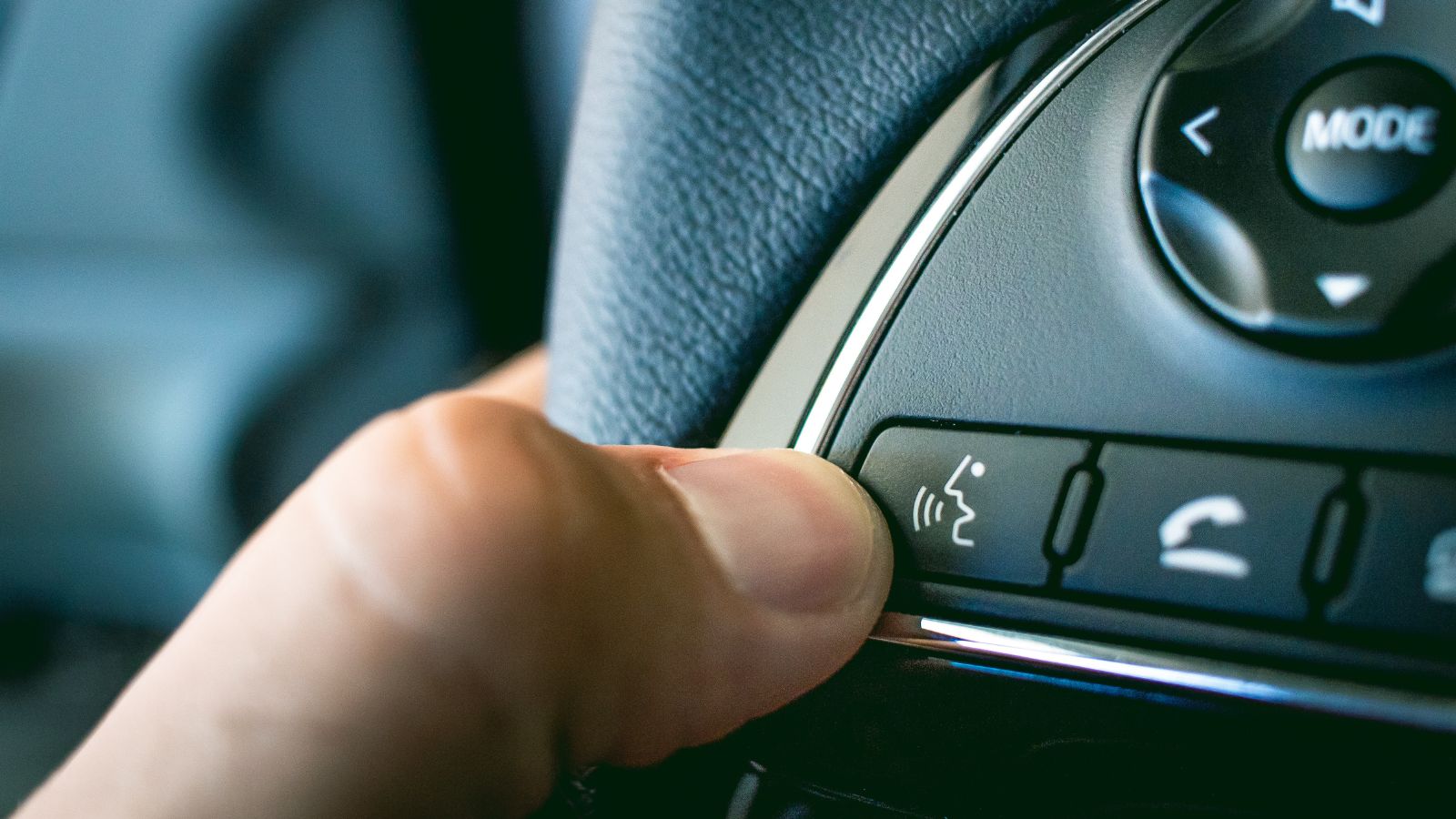
Automakers often promote voice control as the answer to touchscreen distraction. In theory, speaking a command should keep hands on the wheel and eyes on the road. In practice, voice systems can misunderstand accents, background noise, passenger conversation, road noise, or unusual place names. When the system gets it wrong, drivers may end up repeating commands or using the screen anyway.
Voice control works best for certain tasks, such as calling a contact or entering a destination when the system is accurate. It is less satisfying for quick adjustments that a knob could handle instantly. Saying “set fan speed to three” may feel awkward compared with turning a dial. Some drivers also dislike talking to the car for every small change. Voice features help, but they do not fully replace the speed, privacy, and certainty of physical controls.
Screen-Heavy Interiors Can Age Poorly
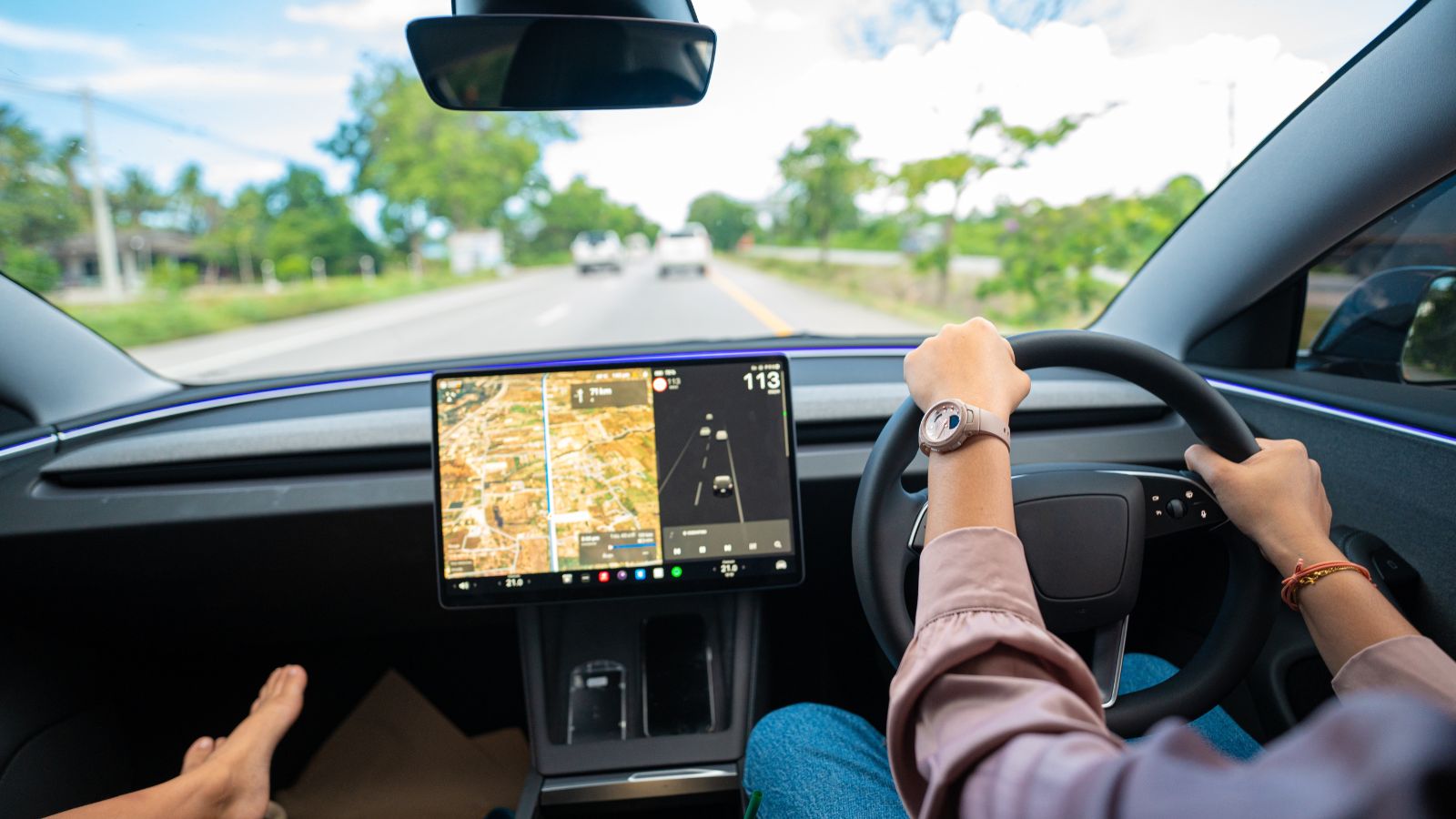
A large touchscreen can make a new vehicle feel modern, but software design ages quickly. Menus, graphics, response times, and screen resolutions that look impressive at launch can feel dated a few years later, especially as smartphones improve. Physical controls tend to age differently. A good knob from ten years ago can still feel satisfying; an old interface may feel slow or visually stale.
This matters for long-term owners and used-car shoppers. A vehicle with reliable mechanical parts may still feel old if its central screen is clunky, unsupported, or missing newer connectivity features. Some systems receive updates, but not all updates solve hardware limitations or design flaws. Drivers who keep cars for many years may regret paying for an interior built around a display that ages more like consumer electronics than traditional vehicle equipment.
Repairs Can Be More Expensive Than Expected
When more functions move into a central screen, that screen becomes more important and potentially more costly. A failed display is not just an entertainment inconvenience if it also controls climate, camera views, charging settings, vehicle preferences, or safety alerts. Replacement screens, control modules, software diagnostics, and dealer programming can turn a simple usability issue into an expensive repair.
The concern is not that every large screen will fail. Many work well for years. The regret comes from dependency. Drivers who once could tolerate a broken radio knob may not feel the same about a failed touchscreen that affects multiple systems. Used-car buyers may also worry about out-of-warranty repairs, especially on vehicles where the screen is integrated into a custom dashboard. The more the car depends on one digital hub, the more serious that hub becomes.
Safety Organizations Are Pushing Back
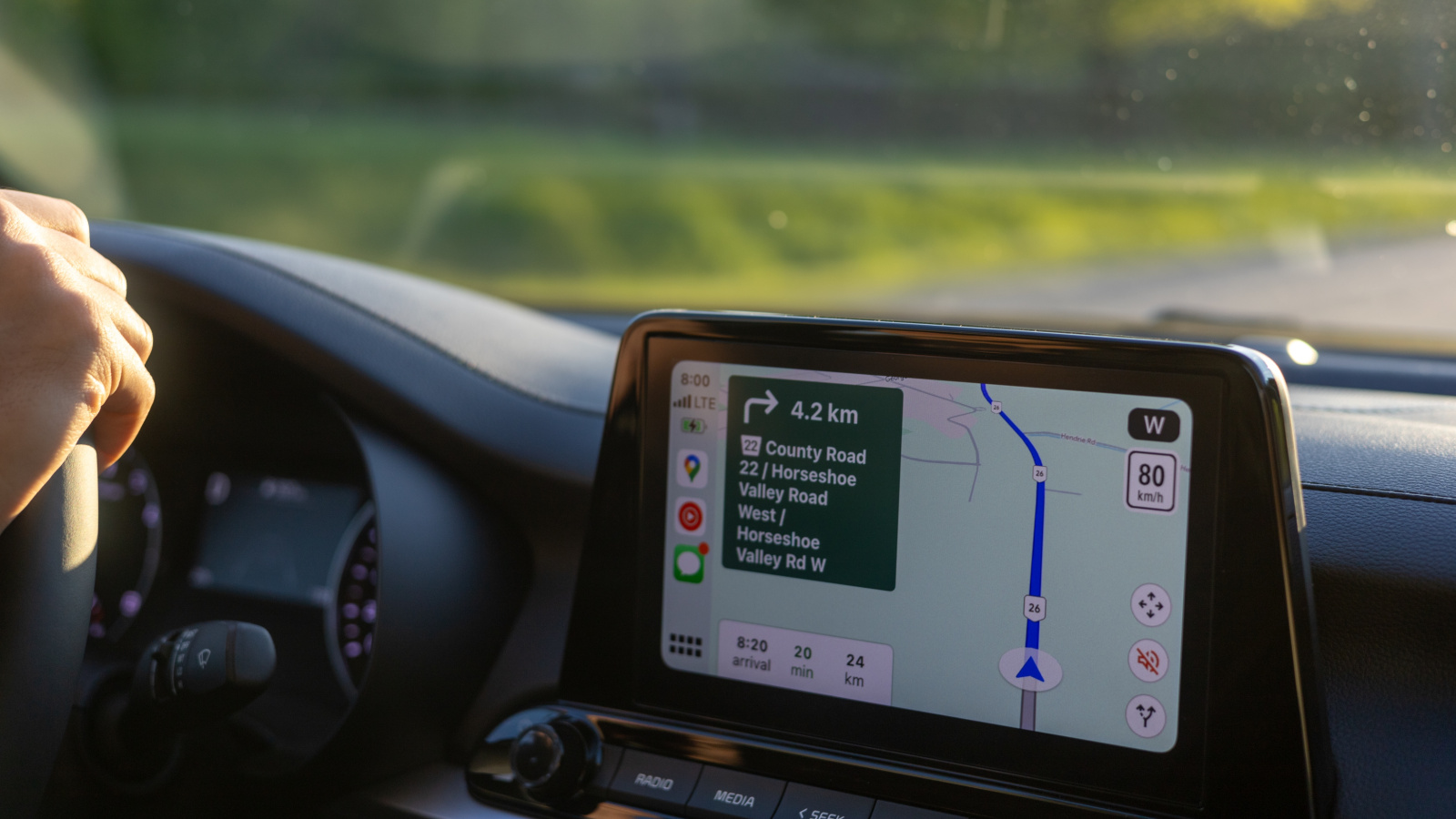
The backlash is no longer limited to online complaints. Safety organizations and testing bodies have started paying closer attention to how drivers interact with screen-heavy cabins. The concern is not simply screen size. It is whether important controls require long glances, complex menu navigation, or too much visual-manual attention while the vehicle is moving.
This shift matters because automakers respond to ratings, regulations, and consumer expectations. A vehicle can have advanced driver assistance systems and still create everyday distraction through poor interface design. Drivers who regret massive screens often feel validated when safety discussions begin emphasizing tactile controls again. It suggests the issue is not nostalgia for old dashboards. It is a recognition that some tasks should remain simple, physical, and easy to locate without searching a display.
Automakers Are Quietly Bringing Buttons Back
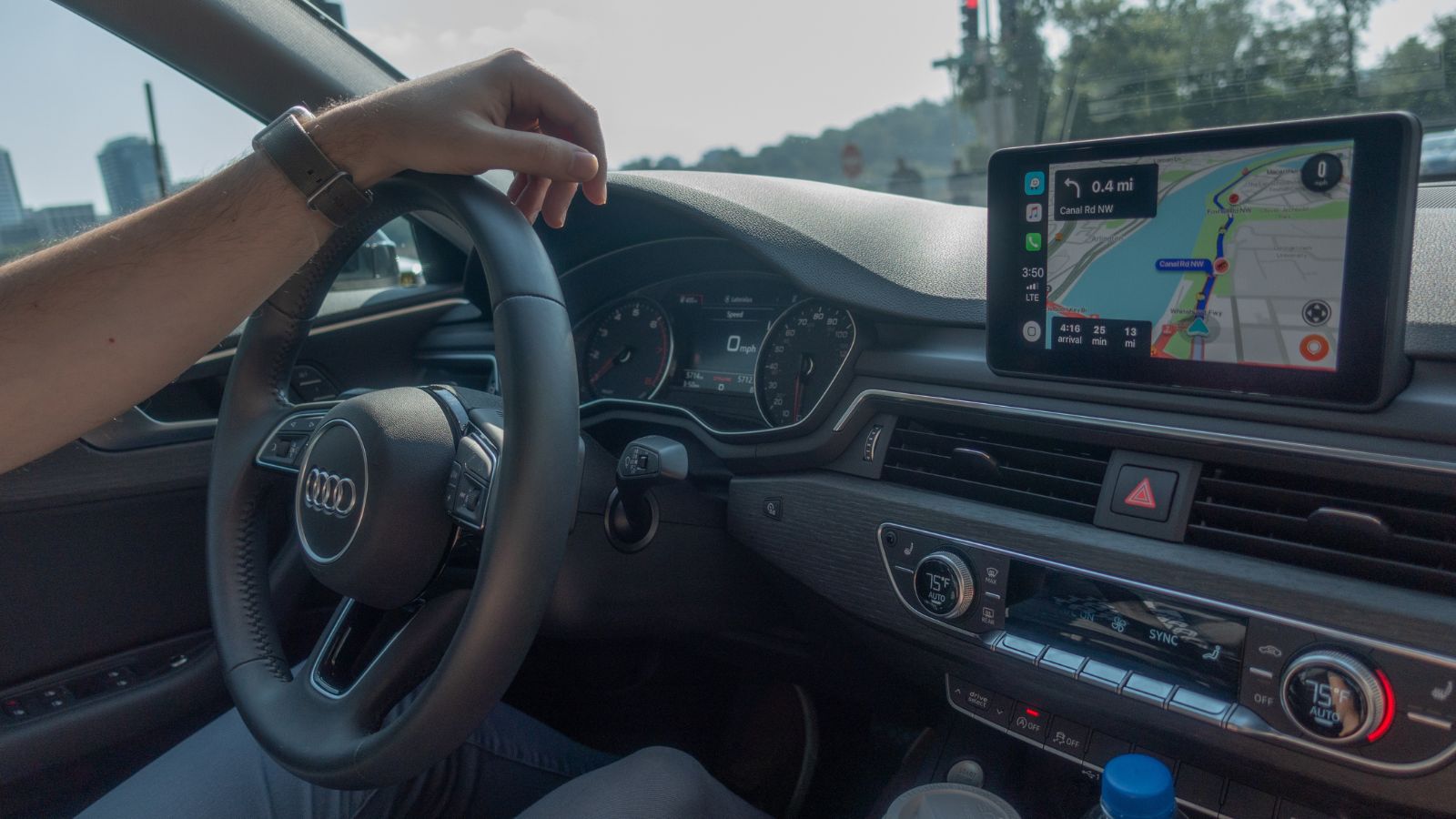
One of the clearest signs of touchscreen regret is that some automakers are reintroducing physical controls. The return is not a rejection of screens altogether. Instead, it points toward a more balanced cabin: large displays for maps, media, cameras, and settings, with buttons or knobs for high-frequency tasks such as volume, temperature, defrosting, and drive functions.
This course correction shows that drivers still want modern technology, but not at the expense of basic usability. A screen can be excellent when it handles information-rich tasks. It becomes frustrating when it replaces controls that worked better by feel. The most satisfying interiors may be the ones that stop treating every button as clutter. For many drivers, the future is not screen-free. It is a smarter mix of digital convenience and physical certainty.
22 Things Canadians Do to Their Cars in Spring That Mechanics Hate

Spring brings relief to many Canadian drivers after months of snow, freezing temperatures, and icy roads that put serious strain on vehicles. As temperatures rise across the country, drivers begin washing cars, switching tires, and preparing vehicles for warmer weather and upcoming road trips. However, mechanics across Canada notice the same mistakes every spring when drivers attempt to recover from winter damage. Road salt, potholes, and harsh winter driving conditions often leave vehicles with hidden problems that drivers ignore. Some spring habits even create new mechanical issues that could have been avoided with proper maintenance. Here are 22 things Canadians do to their cars in spring that mechanics hate.