


















Modern vehicles rely heavily on infotainment systems. Drivers now control navigation, music, climate settings, and safety alerts through a touchscreen. When these systems work well, driving feels smooth and convenient. When they fail, frustration builds quickly. Canadian drivers often complain about slow screens, confusing menus, or software glitches during cold weather. Some systems freeze at startup. Others bury simple controls inside several menus. Even luxury vehicles sometimes struggle with laggy interfaces. Here are 17 vehicles with infotainment systems Canadians complain about the most.
Ford Explorer
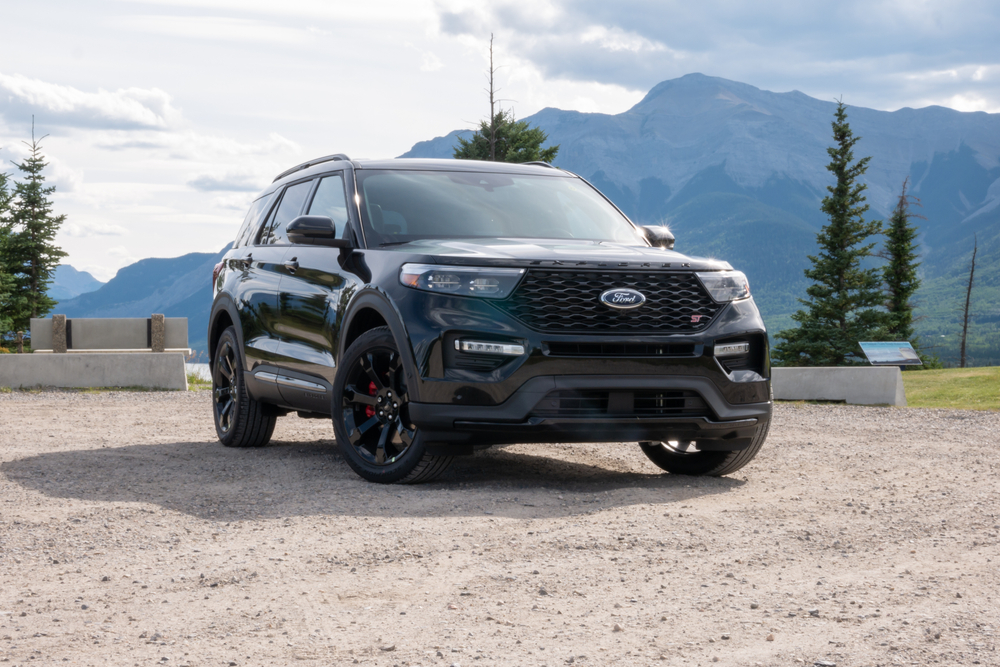
Many Canadian owners complain about the Explorer’s large portrait touchscreen. The system runs Ford’s SYNC interface, but sometimes reacts slowly. Drivers report lag when switching between navigation, climate controls, and music menus. Cold winter starts can delay the screen for several seconds. Some owners say the display freezes and requires a restart. The touch targets also feel small while driving on rough roads. Climate settings live inside the screen rather than physical knobs. That frustrates drivers wearing gloves during winter. Software updates improved stability slightly. Still, many Explorer owners say the infotainment system feels slower than rivals in the same price range.
Toyota Tundra
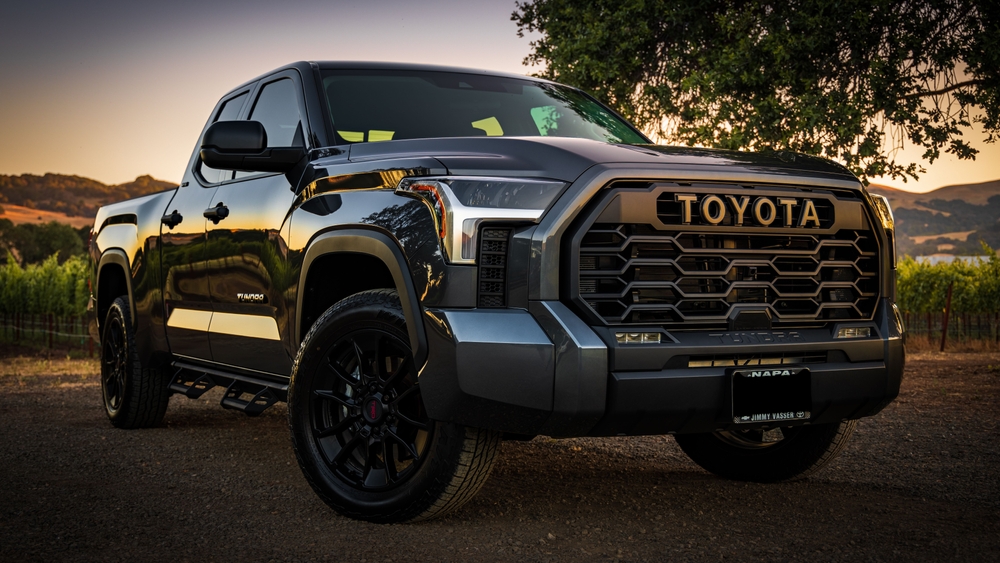
The latest Tundra introduced a huge touchscreen and Toyota’s new multimedia system. Despite the upgrade, some Canadian drivers remain frustrated. The interface includes many layers of menus that take time to learn. Owners report occasional connection problems with Apple CarPlay and Android Auto. Voice commands sometimes misunderstand simple requests. Some drivers also dislike how climate functions rely on digital controls. During winter, gloves make the screen harder to use. Startup time also receives complaints in online forums. The system generally works once running. However, many drivers say the learning curve feels steeper than expected in a modern pickup truck.
Subaru Outback
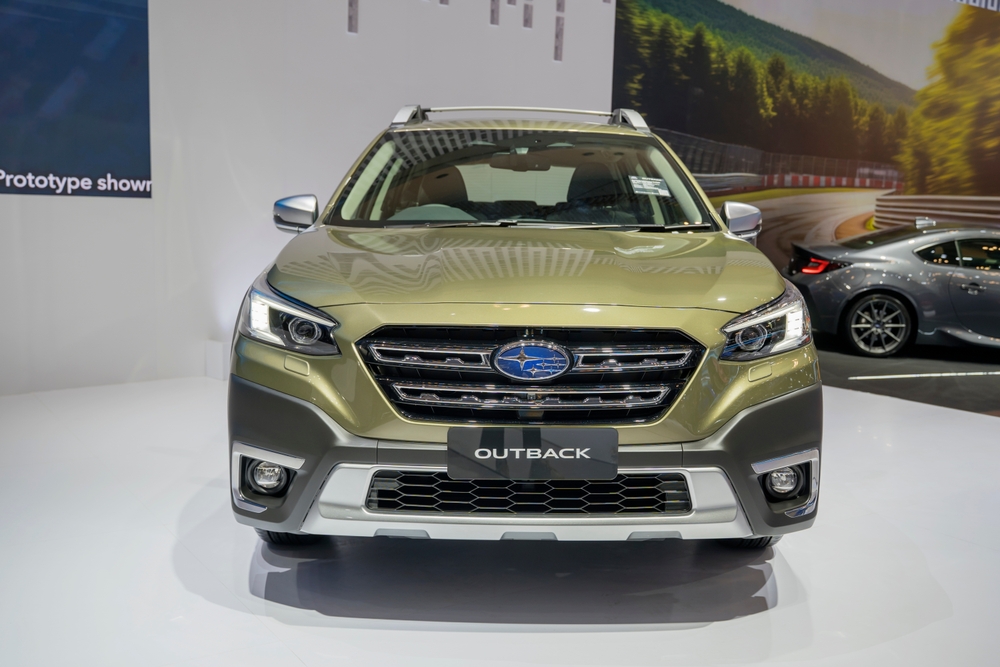
Subaru moved many functions into a tall touchscreen in recent Outback models. Canadian drivers frequently mention slow response times. The screen sometimes hesitates when switching between menus. Climate settings sit inside the display rather than physical controls. That frustrates drivers adjusting the heat during winter mornings. Owners also mention occasional system resets while driving. Apple CarPlay sometimes disconnects during longer trips. The large screen looks modern, yet some drivers find the layout confusing. Several online complaints describe small icons that distract from the road. Subaru released updates to improve stability. Still, many Outback drivers feel the system remains less polished than rivals.
Jeep Grand Cherokee
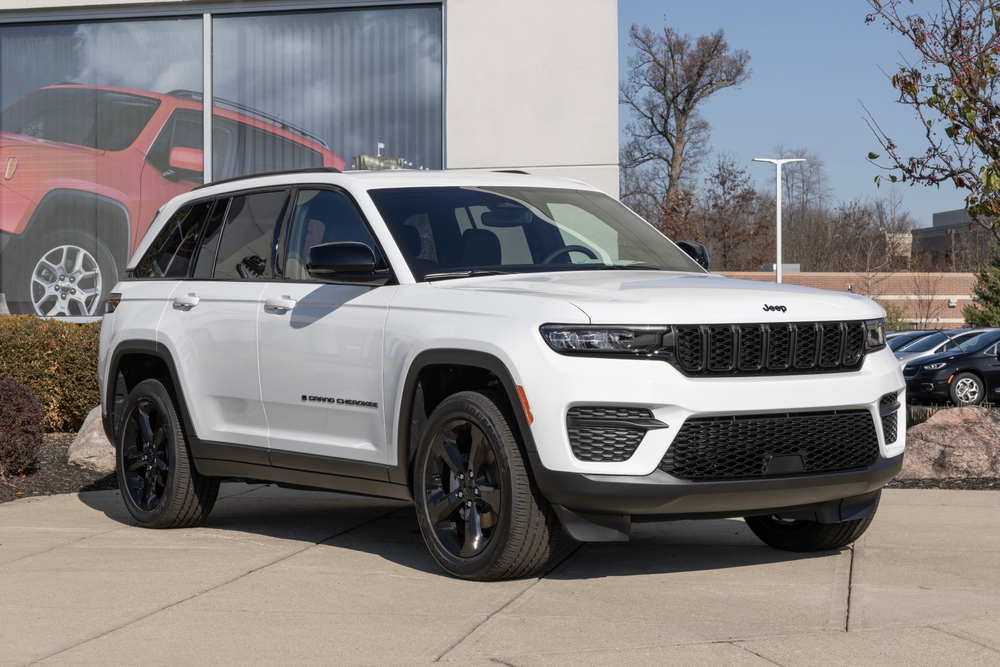
The Grand Cherokee includes a modern digital dashboard and a large touchscreen. Despite the high-tech design, complaints from Canadian owners are frequent. Some drivers report lag when switching between navigation and media screens. The system occasionally freezes during startup. Voice controls also struggle with certain commands. Winter conditions sometimes slow the screen response even more. Owners say the menus contain too many options across several pages. That makes simple actions take longer than expected. Wireless phone connections sometimes drop without warning. Jeep continues to improve the software through updates. Still, many drivers say the infotainment experience does not match the vehicle’s premium price.
Volkswagen Golf GTI
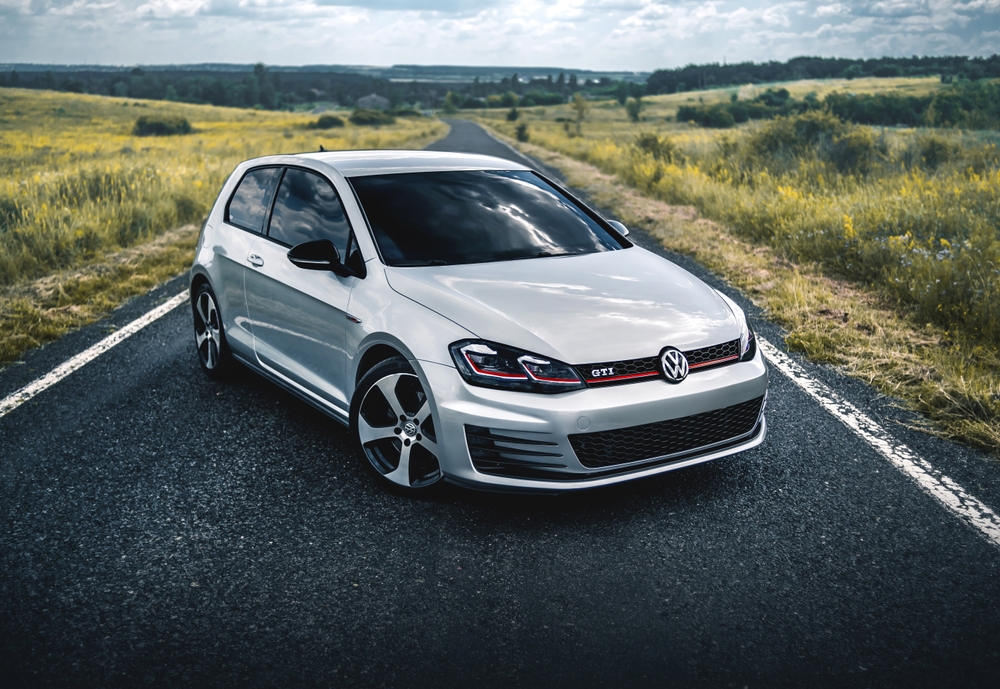
Volkswagen introduced touch-sensitive controls in recent GTI models. Canadian drivers often criticize this decision. Volume and climate adjustments rely on touch sliders rather than buttons. These controls can be difficult to use without looking down. During winter, gloves make the sliders even harder to operate. Owners also mention lag inside the main infotainment screen. Menu navigation sometimes requires more taps than on older systems. Early software versions also experienced glitches and restarts. Volkswagen released updates to address many issues. Despite those fixes, some drivers still prefer the older physical controls used in previous Golf generations.
Honda Civic
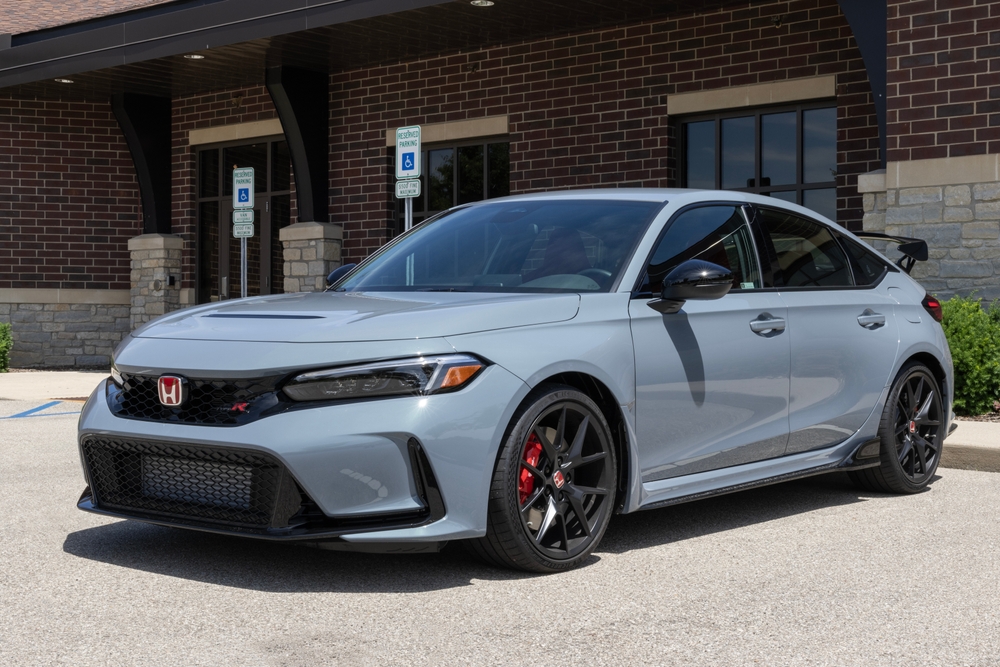
The Civic usually earns praise for reliability, but infotainment complaints still appear. Some Canadian owners report occasional lag in the touchscreen interface. Apple CarPlay and Android Auto sometimes disconnect during long drives. The system may take time to reconnect after restarting the vehicle. Drivers also mention glare on the screen during bright winter days. The interface remains simple compared with some rivals. Still, owners expect faster response from modern hardware. Navigation menus can require several steps to reach common settings. These small delays add up during daily commuting. Many Civic drivers say the system works, but feels slightly dated compared to competitors.
Chevrolet Silverado
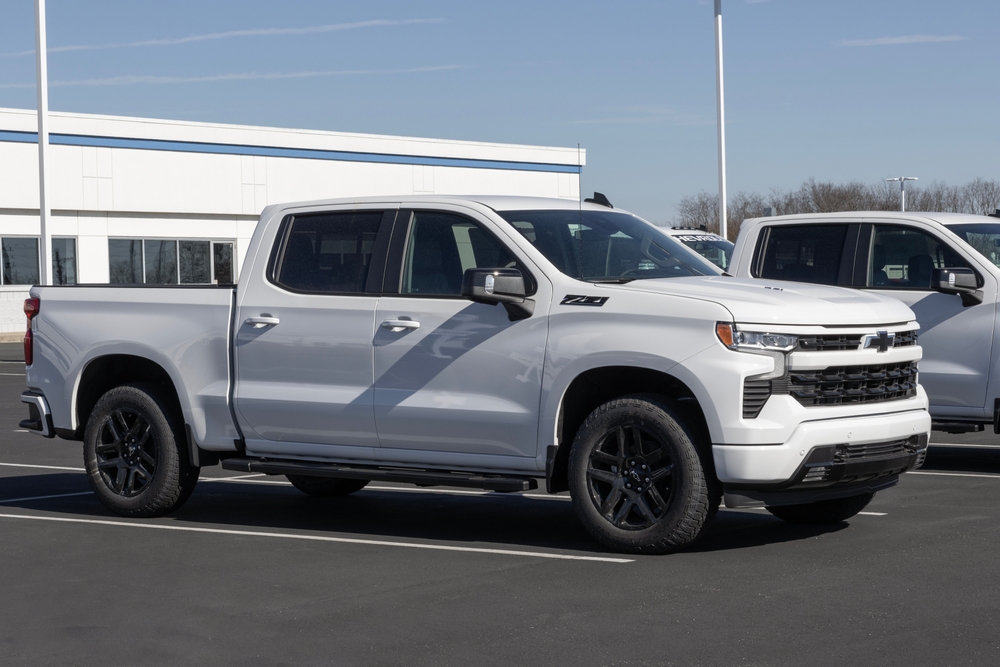
The Silverado uses a large touchscreen with Google-based software in newer models. While powerful, the system sometimes frustrates drivers. Canadian owners report occasional slow startup times during cold weather. Some drivers experience app crashes while using navigation or music streaming. Wireless phone connections sometimes drop without warning. Menu navigation can also feel complex at first. Several drivers say the system requires too many taps for simple tasks. Physical controls still exist for climate settings, which helps usability. Still, complaints appear about software stability in owner forums. Many Silverado drivers say the system improves after updates, but still shows occasional glitches.
Mazda CX-50
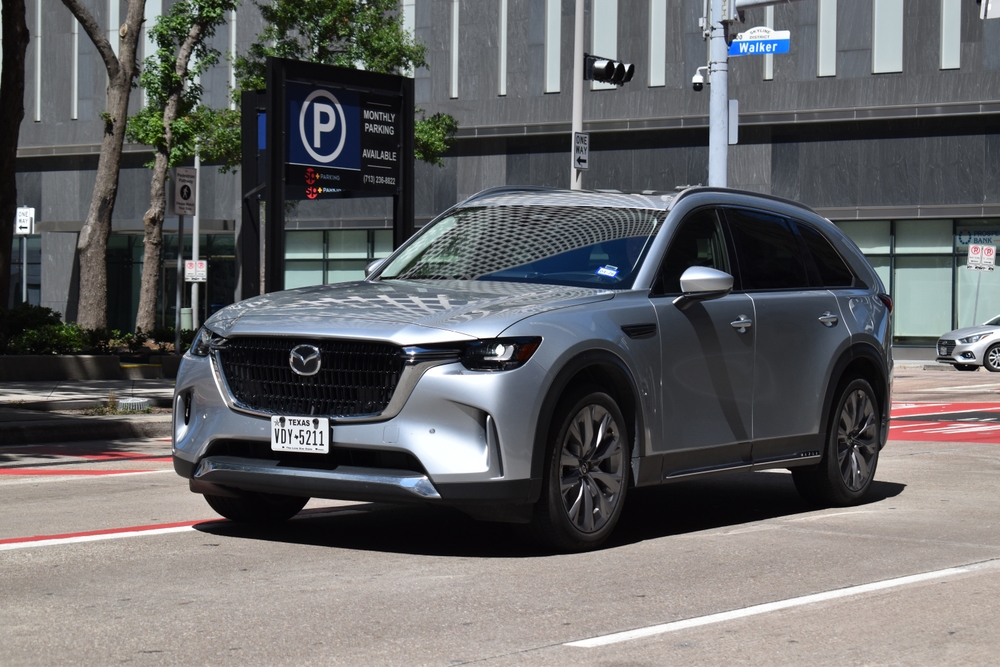
Mazda uses a rotary controller instead of full touchscreen operation while driving. Some Canadian drivers appreciate the design. Others find the system confusing at first. The menus rely heavily on the knob rather than direct touch input. Drivers switching from touchscreen systems need time to adapt. Apple CarPlay also disables touchscreen control when the vehicle moves. That frustrates drivers expecting smartphone-style interaction. The display itself remains clear and responsive. However, some owners say scrolling through menus feels slower than tapping icons. Learning the interface requires patience. Once familiar, many drivers adjust, yet early impressions still create frequent complaints online.
Nissan Rogue
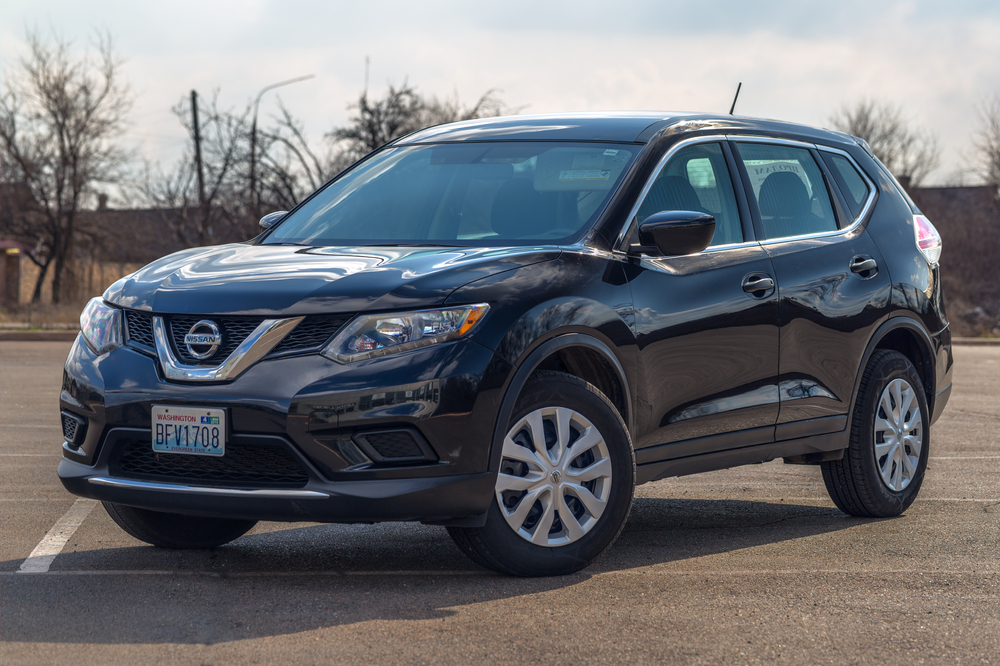
The Rogue includes a large display and modern software features. Canadian owners still report occasional infotainment frustrations. Some drivers mention slow screen reactions during startup. The navigation interface can take time to load maps. Apple CarPlay occasionally disconnects after phone updates. Menu layouts also confuse new users. Several functions are hidden within deeper settings pages. Drivers searching for climate adjustments sometimes scroll through multiple screens. Wireless charging interference also appears in online complaints. These issues do not affect every owner. Still, many Rogue drivers say the infotainment experience feels inconsistent compared with competing compact SUVs.
Tesla Model 3
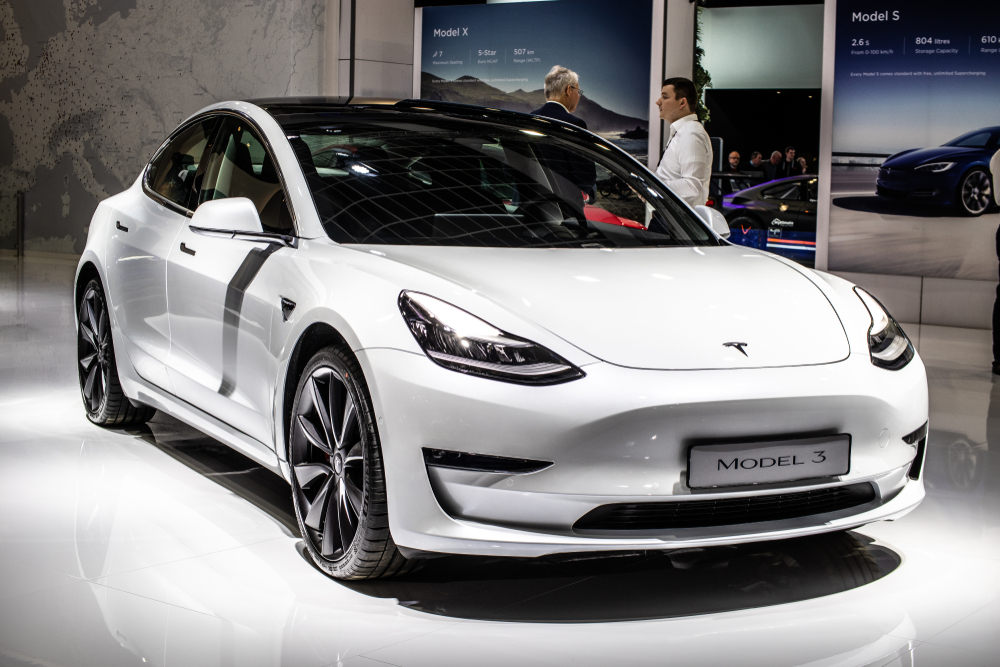
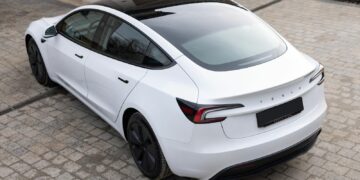
The Model 3 relies almost entirely on a single central touchscreen. Many Canadian drivers enjoy the clean layout. Others find it distracting while driving. Nearly every function sits inside the display, including mirrors and climate controls. That means multiple taps for simple adjustments. Some drivers also report occasional system restarts while driving. Cold weather sometimes slows the screen during startup. Software updates change the interface frequently. That forces drivers to relearn menu locations. Tesla adds features often, yet some owners prefer stable layouts. Complaints usually focus on usability rather than hardware problems.
Ram 1500
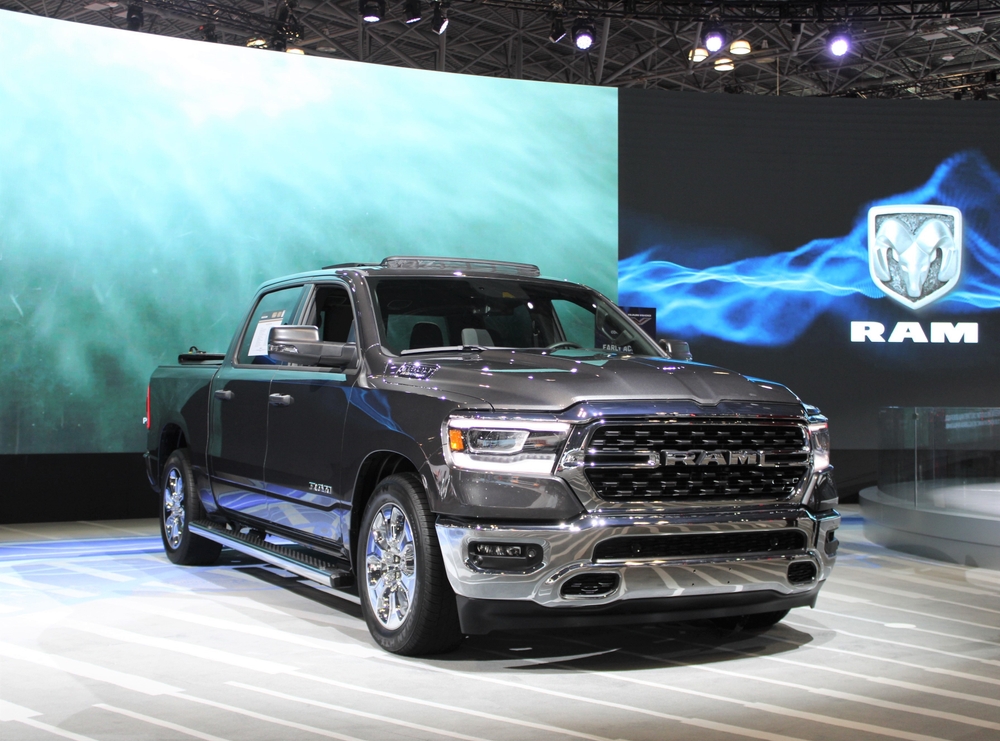
Ram trucks feature large Uconnect screens with many functions. Canadian drivers often praise the display size and clarity. Still, complaints appear about occasional lag. The system sometimes freezes during startup in cold weather. Drivers also report glitches with wireless phone projection. Navigation maps occasionally take time to load fully. Menu structures contain many layers that confuse new users. Some drivers prefer simpler layouts used in older trucks. Software updates address several issues over time. Even so, forums still report slow responses and random restarts.
Kia Sportage
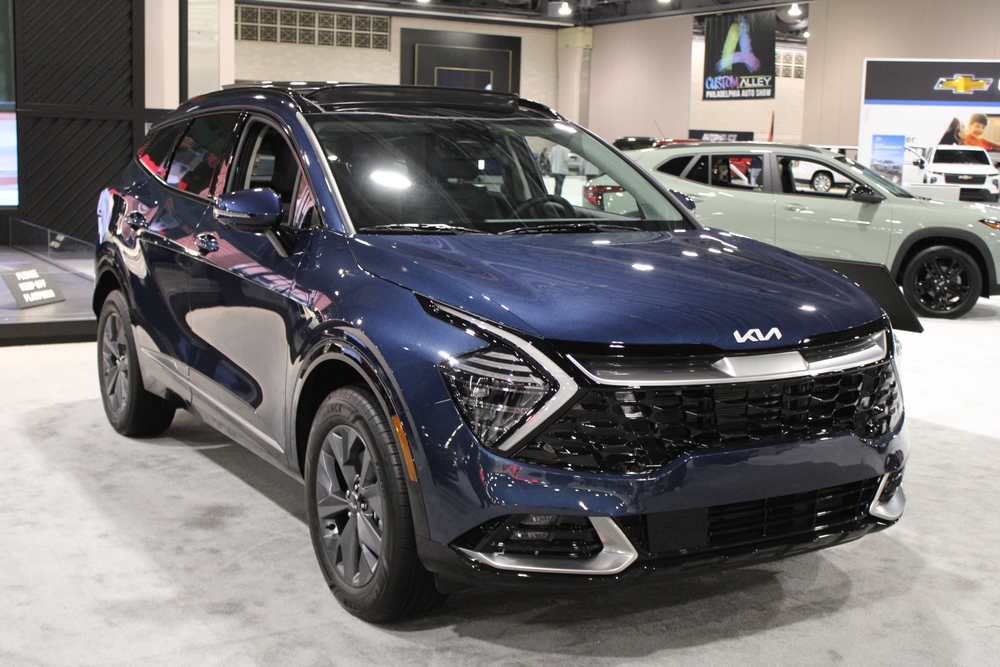
The Sportage includes a wide curved display across the dashboard. Canadian owners like the modern appearance. Some still complain about usability. The system combines climate and infotainment controls within one panel. Switching between those modes requires extra taps. Drivers adjusting the temperature sometimes enter the wrong menu. The touchscreen also collects fingerprints quickly. Cold weather can slow the response slightly during startup. Wireless smartphone connections sometimes disconnect unexpectedly. The layout looks stylish but requires attention while driving. Many Sportage drivers say the system works well overall. Yet small frustrations still appear in reviews and online discussions.
BMW X3
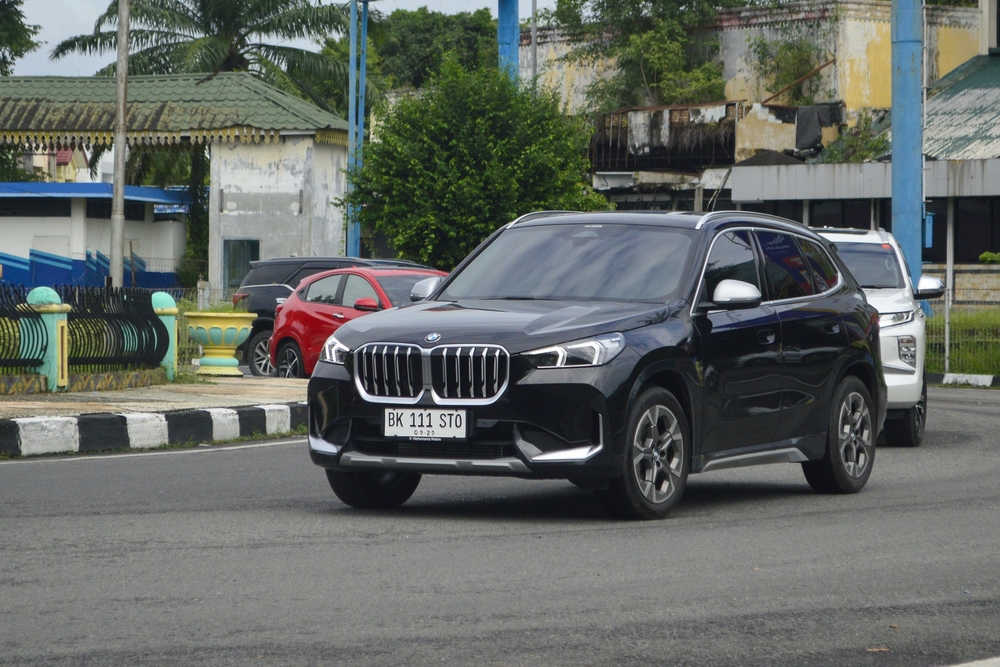
Luxury buyers expect polished technology, yet complaints appear in some X3 forums. BMW’s iDrive system remains powerful but complex. New drivers sometimes struggle with the number of menu options. Several settings hide inside deep submenus. Voice commands occasionally misunderstand requests. Software updates occasionally change the interface layout. That forces drivers to relearn familiar controls. The rotary controller helps reduce screen tapping. Still, the learning curve remains steep for new owners. Canadian drivers say the system performs well once understood. Early impressions, however, often include confusion and frustration.
Toyota Corolla Cross
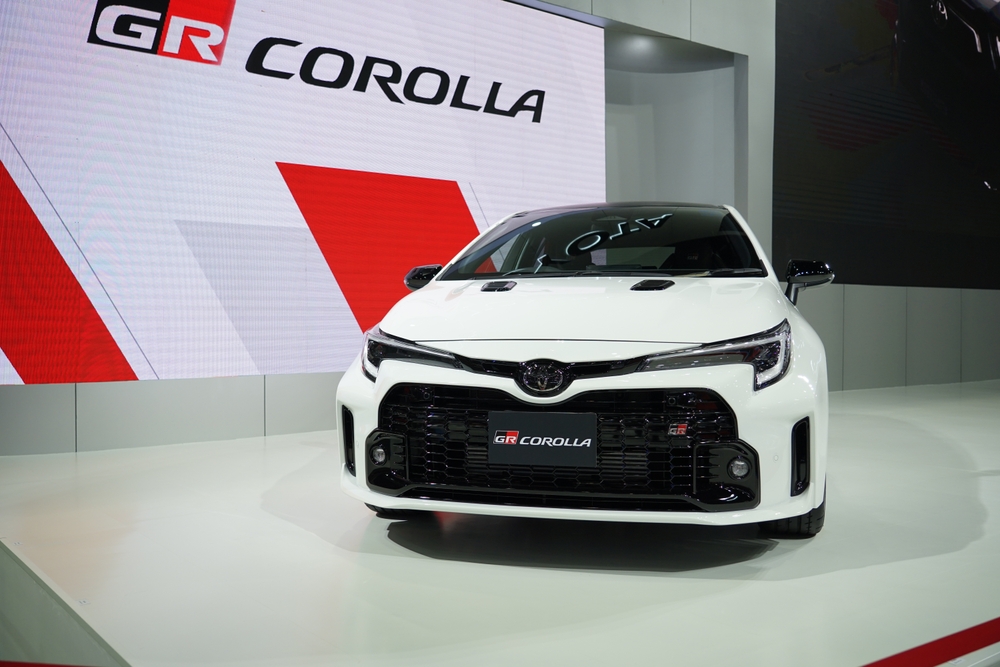
The Corolla Cross uses Toyota’s latest infotainment software. Despite improvements, some drivers report minor issues. Startup time can feel slow on cold mornings. Wireless Apple CarPlay sometimes reconnects after several attempts. The navigation interface also receives mixed reviews. Drivers say the map layout looks basic compared with competitors. Menu icons appear small on the screen. Adjusting settings can require several taps. The system works most of the time reliably. Still, many owners say it lacks the smooth response expected in newer vehicles.
Chevrolet Equinox
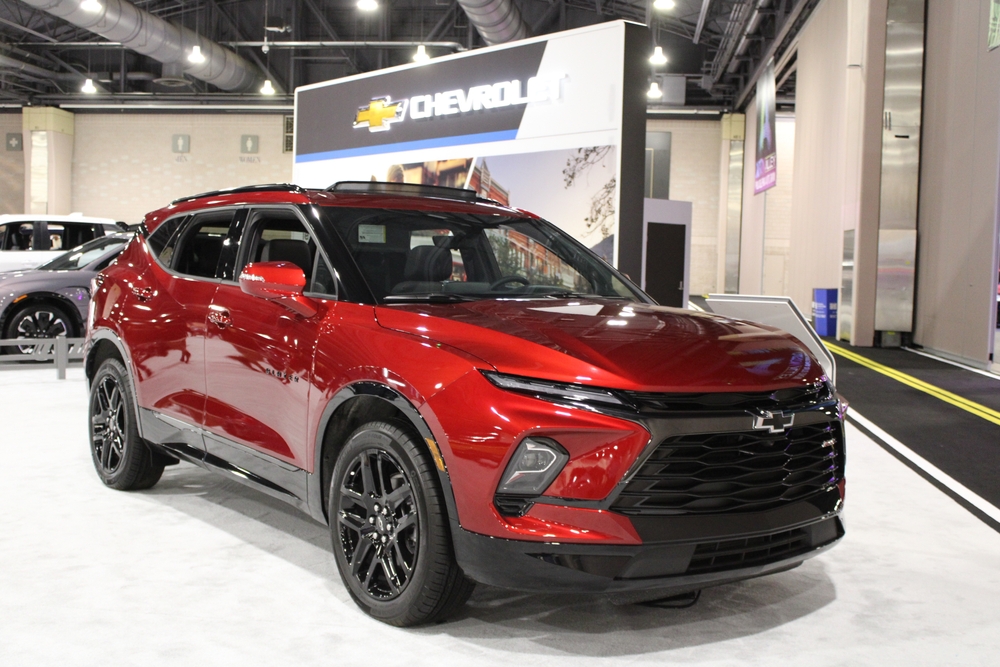
The Equinox features a straightforward infotainment layout. Even so, complaints appear among Canadian owners. Some drivers report slow reactions when switching between apps. Bluetooth pairing occasionally fails after phone updates. The touchscreen also reflects sunlight during bright winter days. That makes icons harder to see. Menu navigation remains simple, yet loading times frustrate some drivers. The system also takes several seconds to start after the vehicle is turned on. Software updates improved stability in newer models. Despite those improvements, the infotainment system still receives mixed feedback.
Ford F-150
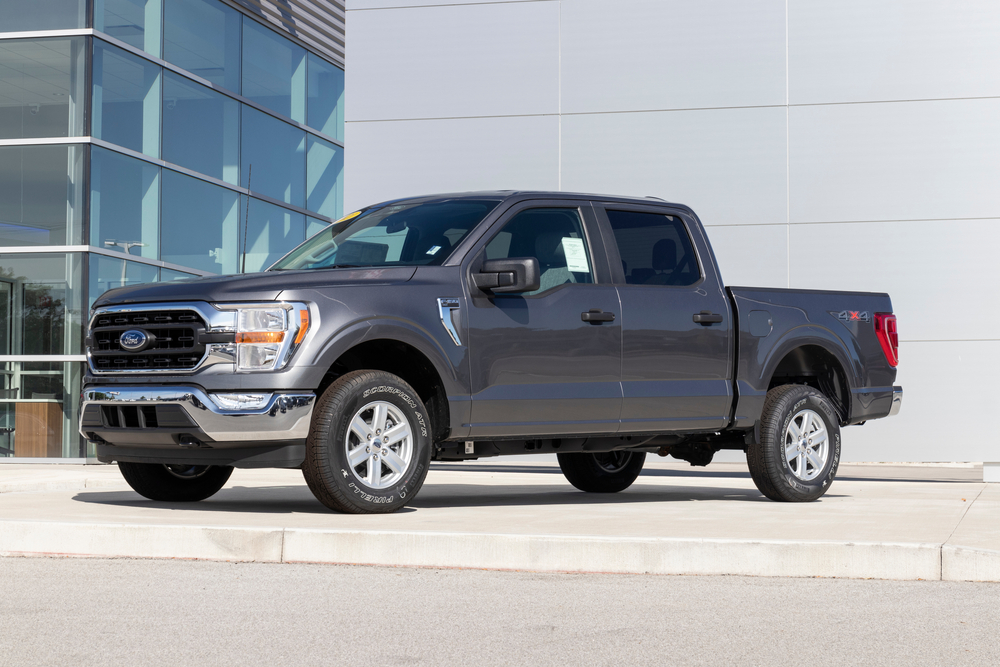
The F-150 includes a large touchscreen running Ford’s SYNC system. Canadian drivers like the screen size and clear graphics. Still, complaints appear in online forums. Some drivers experience slow menu responses during cold weather. Wireless smartphone connections occasionally drop. Navigation maps sometimes take time to load. The interface also includes many features across several pages. That can overwhelm drivers searching for simple controls. Physical buttons still exist for key functions, which helps usability. Even so, some F-150 owners say the infotainment system feels slower than expected in a modern truck.