























A car can remain mechanically solid for years while its cabin technology begins feeling old almost immediately. Smartphones, navigation platforms, charging standards, voice assistants, and connected services evolve rapidly, creating expectations that vehicle systems often struggle to match. A screen that looked advanced in the showroom may seem frustratingly slow after only a few software generations.
These 18 factors explain why automotive technology can age so quickly. Some involve limited processing power or outdated hardware, while others reflect disappearing networks, neglected software, cumbersome controls, and features that depend on subscriptions or manufacturer servers. Together, they show why a vehicle’s digital lifespan may be considerably shorter than its mechanical one.
An Underpowered Infotainment Processor
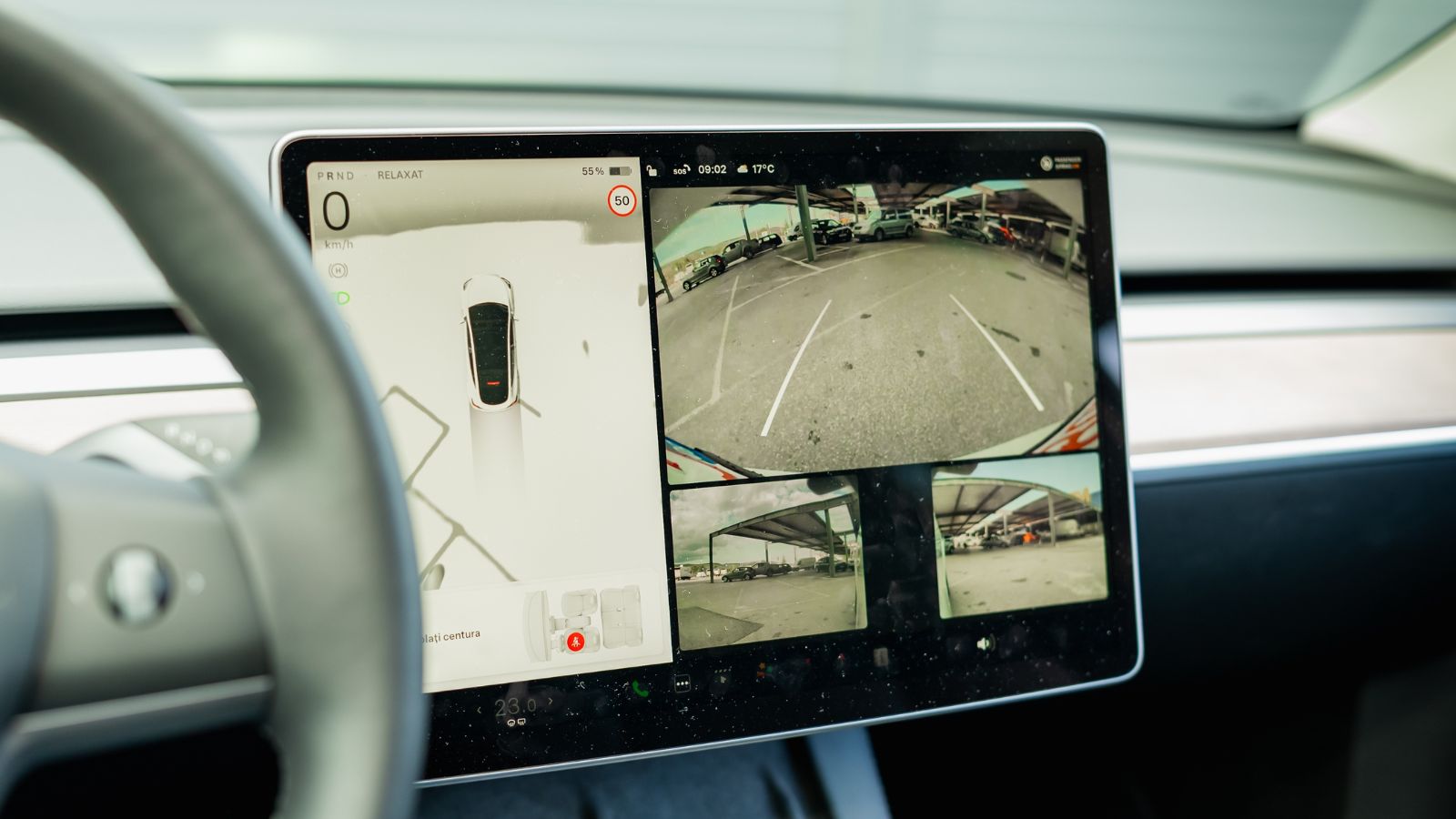
A glossy display cannot hide weak hardware for long. When an infotainment processor has limited computing power or memory, ordinary tasks such as opening navigation, switching audio sources, or loading a phone connection can produce noticeable delays. Drivers become particularly aware of the problem after using newer smartphones, tablets, or rental vehicles that react almost instantly. What once seemed acceptable begins feeling like an old computer struggling to run modern software.
The problem may become worse as software grows more complicated. Updates can add features, graphics, and background processes without changing the physical processor installed behind the dashboard. J.D. Power has reported significant owner-satisfaction gaps involving vehicle setup, startup, and infotainment systems, while Consumer Reports regularly advises owners to reboot frozen or unresponsive systems. A driver who must wait for the screen every morning—or restart it during a trip—will perceive the entire car as older, even when its engine, suspension, and interior remain in excellent condition.
No Support for Over-the-Air Updates
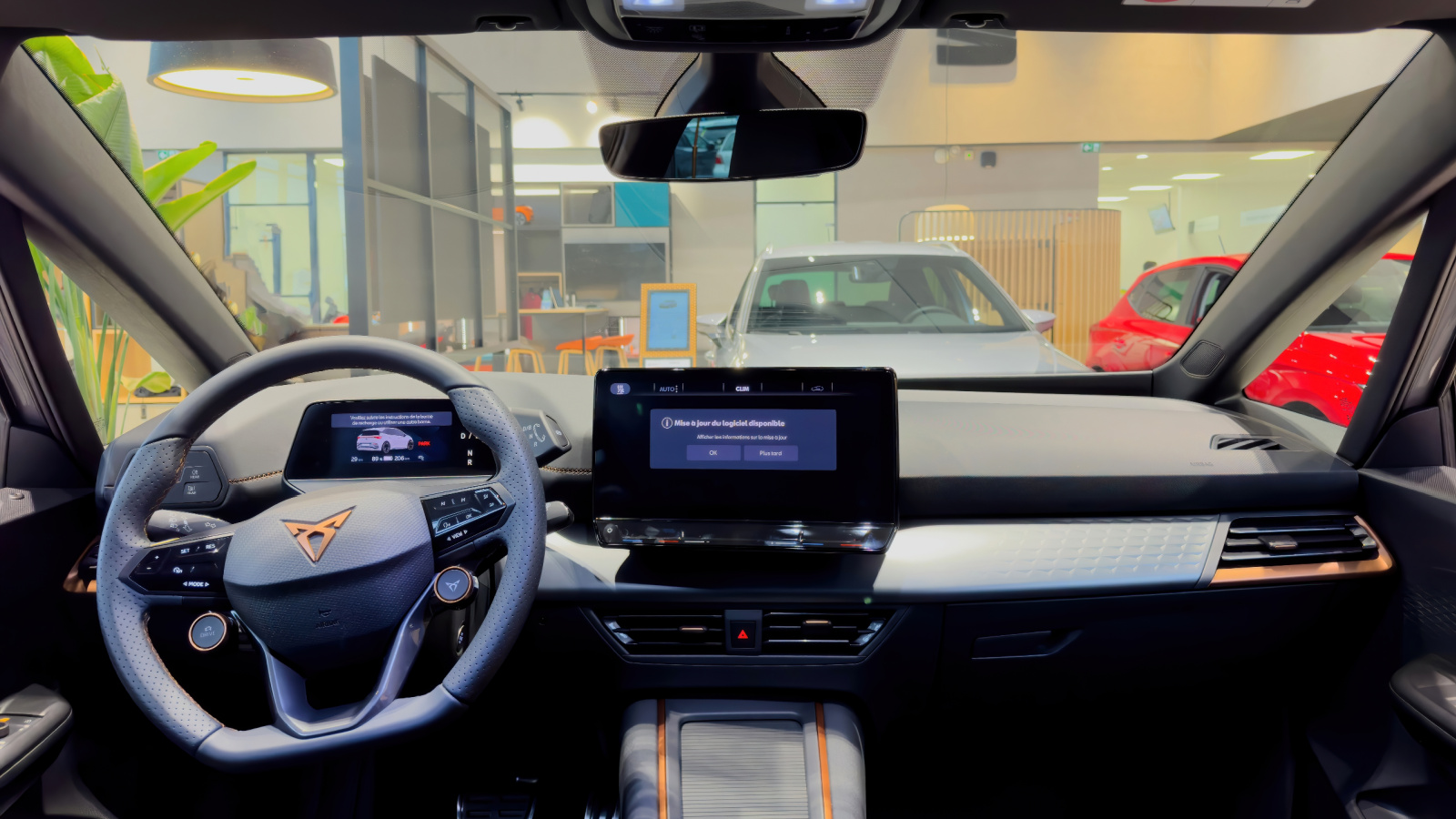
Cars without over-the-air updating tend to remain technologically frozen at the point of manufacture. Correcting a bug, refreshing an interface, or installing a new function may require a dealership appointment, specialized equipment, or a physical storage device. Many owners never complete optional updates because the process is inconvenient, poorly explained, or unavailable once the vehicle is outside its original service network.
Modern over-the-air systems can distribute improvements much like updates for a phone or laptop. Depending on the vehicle, they may address infotainment problems, refine driver-assistance behaviour, update maps, or even help remedy a safety recall. Consumer Reports notes that some automotive software downloads can fix defects and recall-related issues, although owners still need to follow installation precautions. A car that receives meaningful improvements several years after purchase can remain familiar and current. A similar vehicle without remote support may continue displaying the same glitches, menus, and limitations it had on delivery day, making the technological gap increasingly obvious.
Missing Apple CarPlay and Android Auto
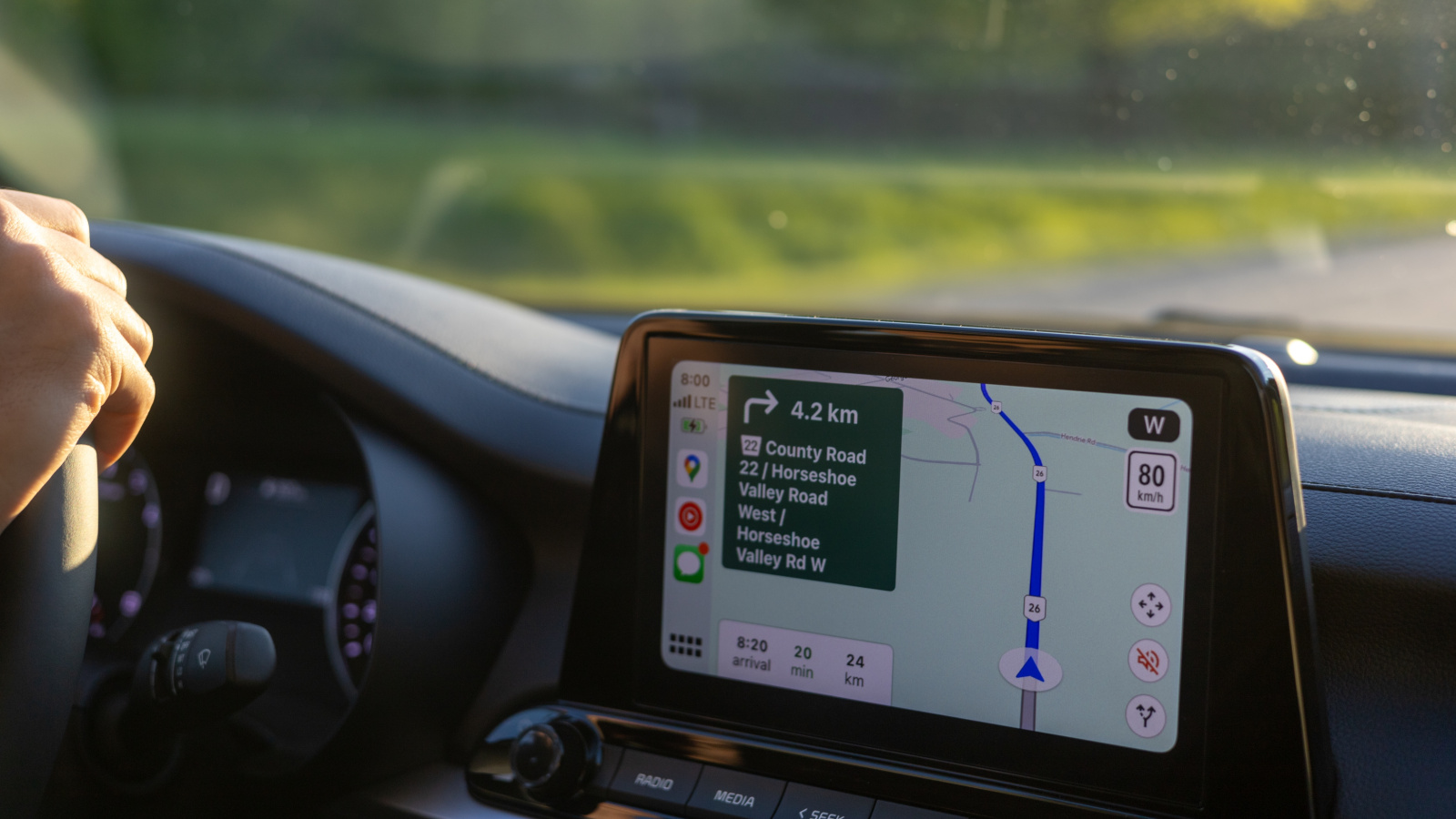
The absence of Apple CarPlay or Android Auto can make even an attractive factory system feel isolated from everyday digital life. These platforms allow familiar phone applications, contacts, messaging tools, audio services, and navigation interfaces to appear on a compatible vehicle display. Drivers do not have to relearn an unfamiliar system every time they enter the car, and many of their preferred services remain current through phone updates.
J.D. Power has observed that CarPlay and Android Auto progressed from emerging features to “must-have” technology within a relatively short period. Consumer Reports has also found that phone-based platforms can offer stronger navigation searches, real-time traffic information, familiar icons, and more capable speech processing than many older built-in systems. A vehicle limited to Bluetooth audio and basic calling may still be functional, but it can feel several generations behind once owners experience full smartphone integration elsewhere. Aftermarket upgrades sometimes help, although installation cost, dashboard compatibility, and steering-wheel-control support vary considerably between vehicles.
Wired Connections and Aging USB Ports
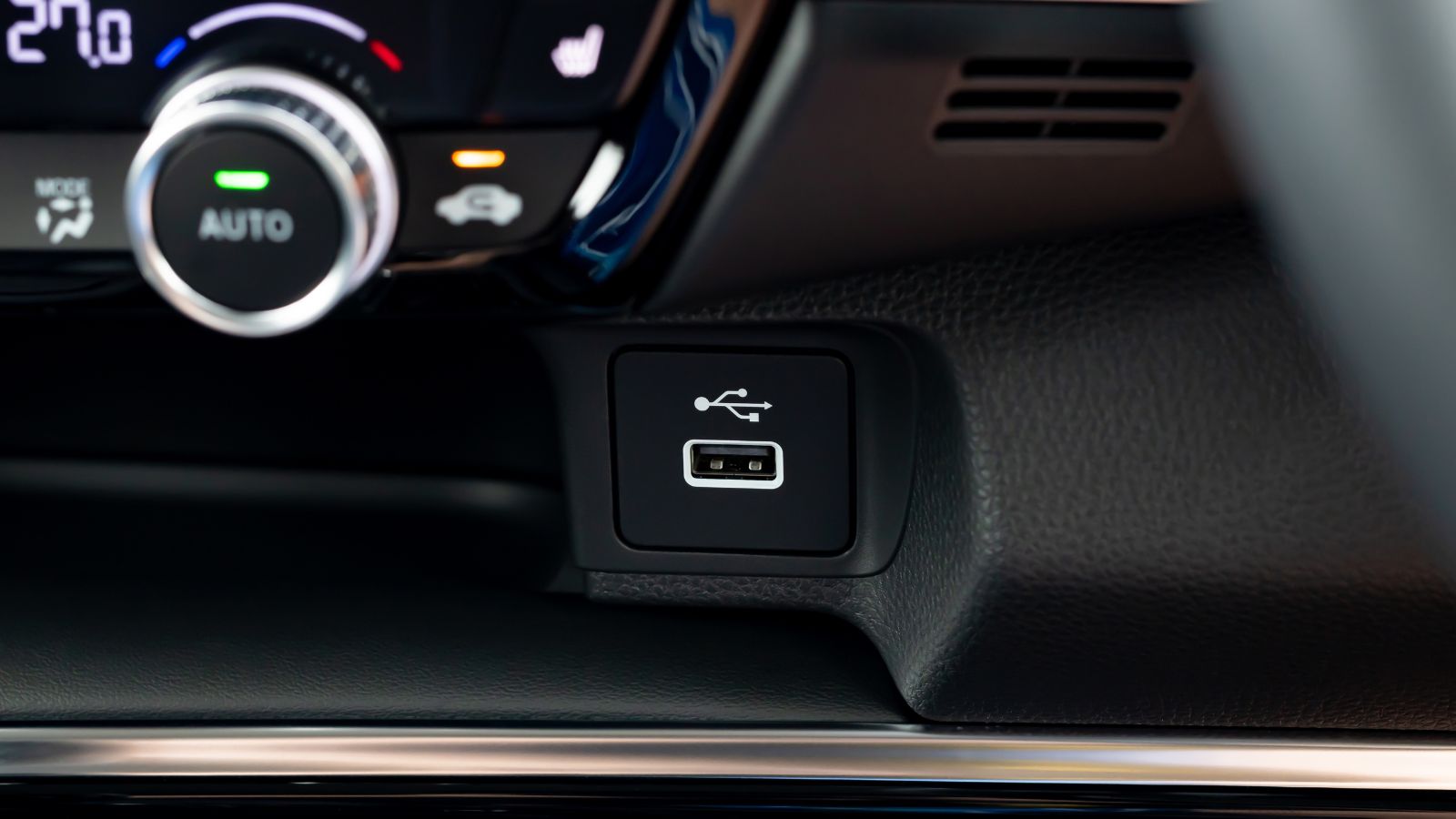
A vehicle can feel surprisingly old when every short trip begins with searching for a cable. Wired smartphone integration was once an impressive convenience, but wireless CarPlay and other untethered systems have changed expectations. Apple officially supports both USB-based and wireless CarPlay connections where the vehicle is equipped for them. Moving between cars makes the difference immediately apparent: one system connects automatically, while another requires plugging in, accepting prompts, and placing the phone near a cable.
The charging port itself matters as well. Older USB-A outlets may provide limited power, leaving a phone barely maintaining its battery level while navigation and music are running. USB Type-C was designed with a reversible connector and a path toward higher power and performance. USB Power Delivery can support dramatically higher charging levels when properly implemented, although not every Type-C port offers the same capability. Cars equipped only with low-output legacy ports can therefore feel dated even when they are relatively new, especially as more phones, tablets, and laptops adopt USB-C connectors.
Small Screens and Grainy Camera Images
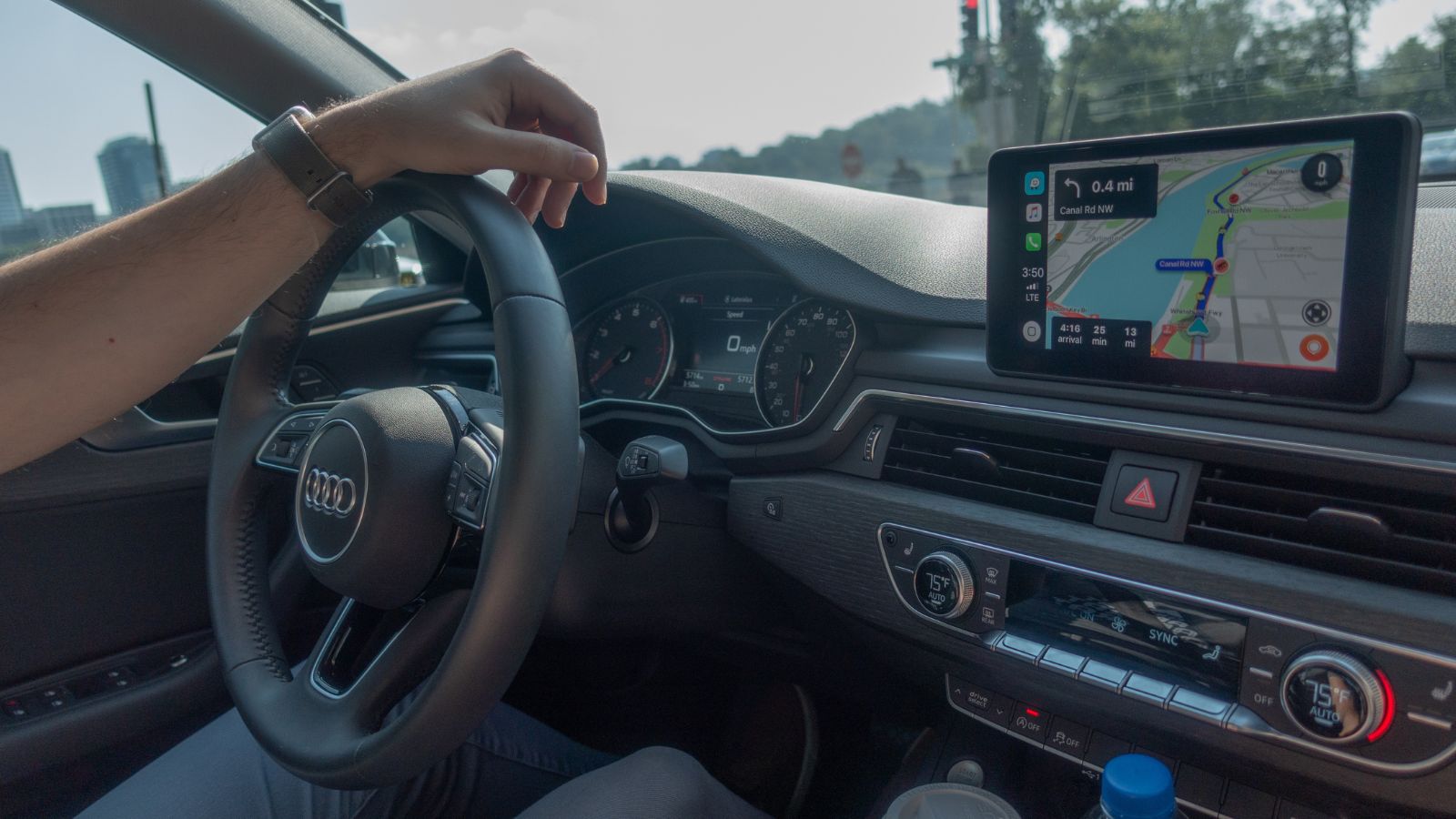
Screen size alone does not determine quality, but a small, dim, or low-resolution display can age a cabin quickly. Fine text may be difficult to read, map labels may look crowded, and basic animations can appear crude beside modern consumer electronics. Consumer Reports has generally found that large, easy-to-read displays and straightforward controls produce better experiences than small screens, sluggish interfaces, or touch-sensitive buttons that respond inconsistently.
Camera quality makes the difference even more visible. In the United States, rear-visibility technology became mandatory for most new light vehicles manufactured from May 1, 2018. Federal requirements specify a field of view covering a zone approximately 10 feet wide and 20 feet behind the vehicle, but the rule does not make every camera image equally sharp or useful. Some early systems technically satisfy visibility requirements while producing dark, distorted, or low-detail images. After seeing crisp surround-view cameras with moving guidelines, a driver may regard an older, grainy backup feed as obsolete rather than merely basic.
Built-In Navigation That Ages Without Map Updates
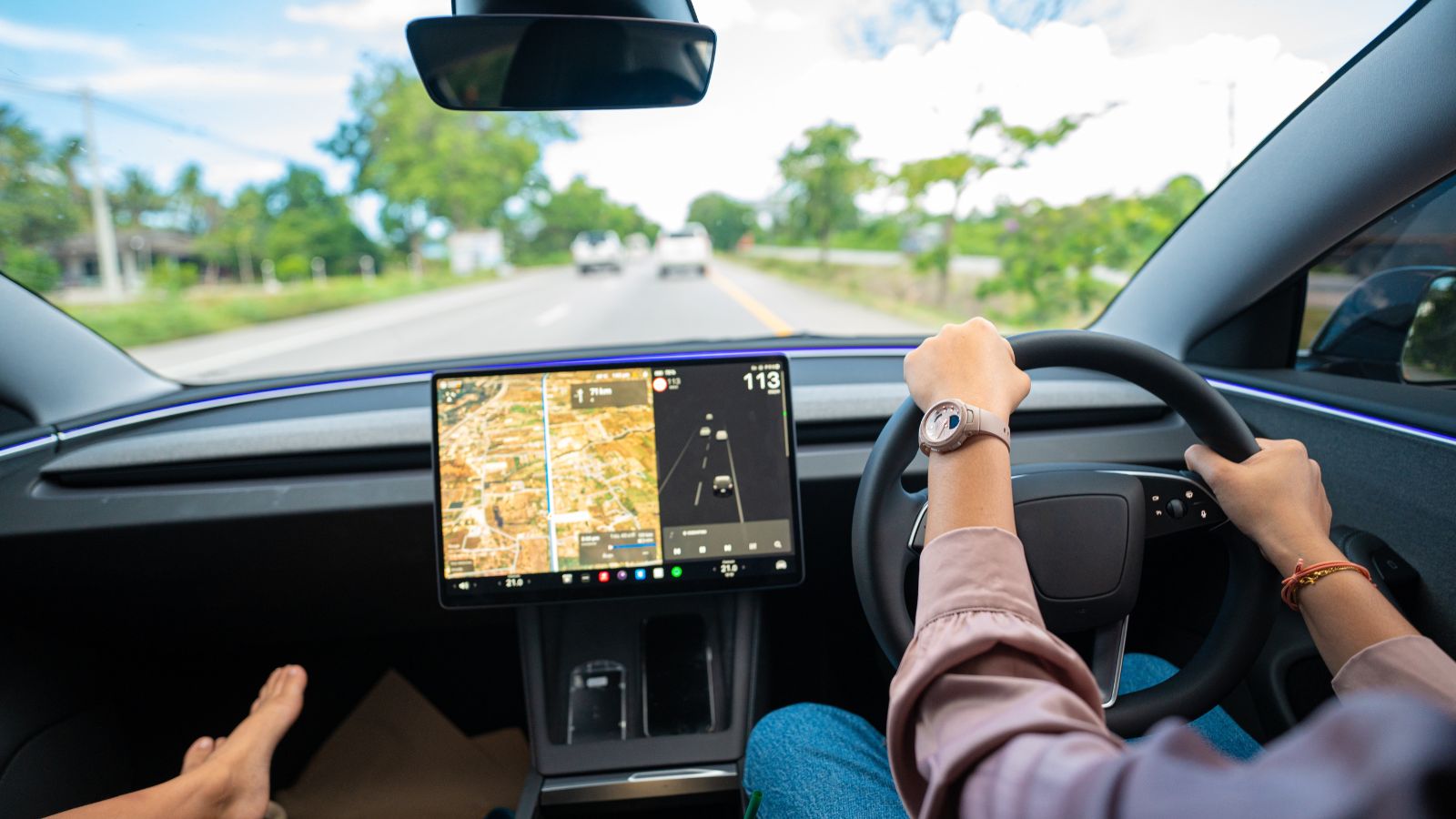
Factory navigation can begin aging as soon as roads, businesses, addresses, and traffic patterns change. New intersections appear, old exits close, and points of interest move. A system that confidently directs a driver toward a closed entrance or an outdated business can lose credibility after only a few mistakes. Once that happens, a phone is likely to replace the expensive navigation package originally promoted as a premium feature.
Map providers such as Garmin and HERE continue to issue updates because road and location data never remain static. Some vehicles require owners to download large files to a computer, transfer them to a USB drive, and complete a multistep installation inside the car. Others offer only a limited period of complimentary updates or charge for newer data. More advanced connected systems can refresh maps and information through continuous or over-the-air processes. When a driver must purchase a costly update for an older interface—while a phone application receives frequent improvements automatically—the built-in navigation can feel outdated regardless of how well it worked when new.
Voice Recognition That Requires Exact Phrases
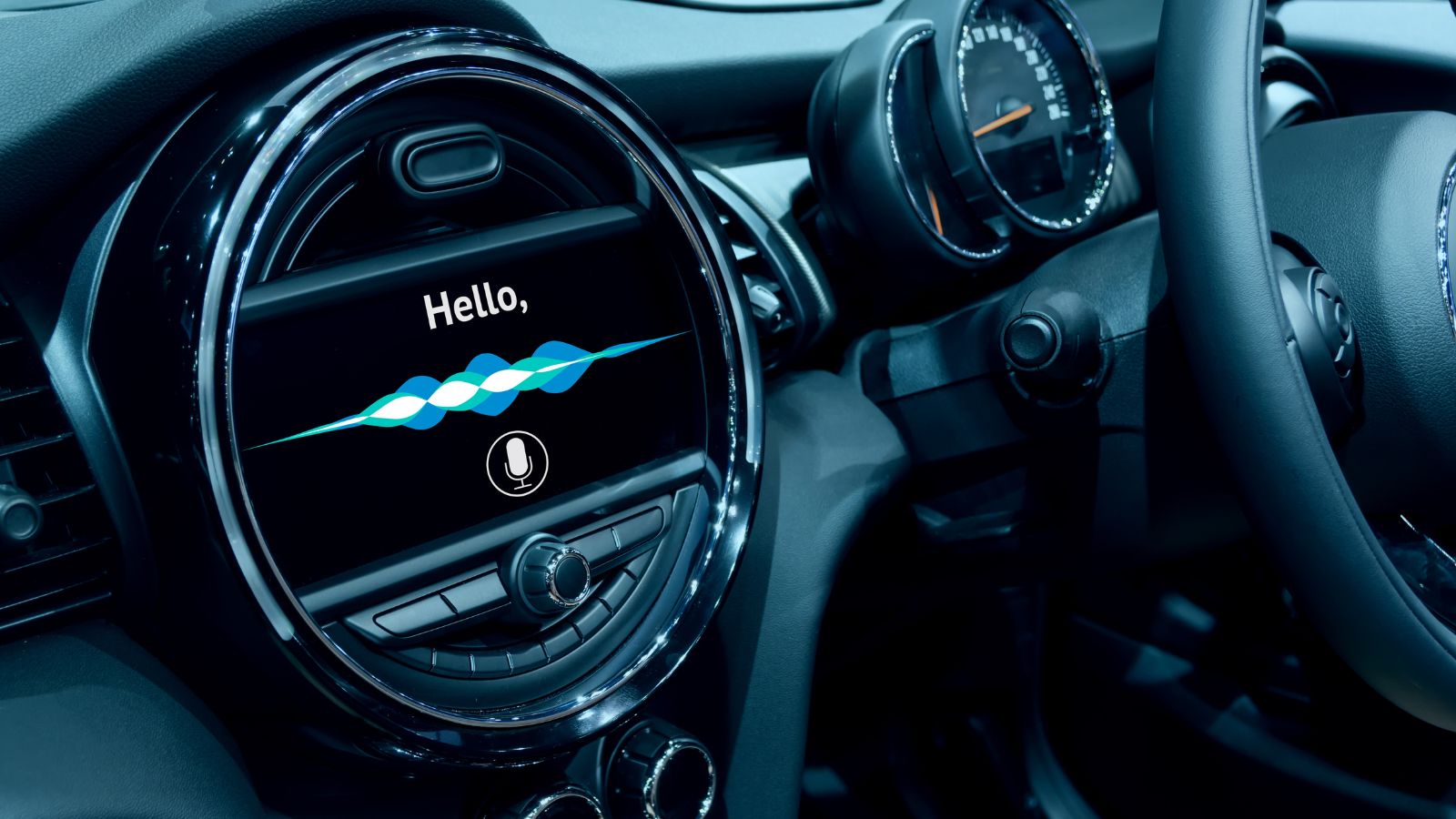
Early automotive voice systems often expect drivers to speak in a rigid sequence. A request such as “find a petrol station nearby” may fail because the system expects a command like “navigation, points of interest, fuel.” This forces the driver to remember the machine’s vocabulary instead of speaking naturally. Repeated misunderstandings quickly turn a supposedly convenient feature into something owners stop using.
Consumer Reports has identified voice commands that fail or require highly specific wording among common infotainment complaints. The frustration also has a safety dimension. AAA-supported research has found that voice-based and touchscreen activities can create substantial visual and mental demand, particularly when tasks are complicated or the system fails to understand the first attempt. Cloud-connected assistants have raised expectations by recognizing conversational language, searching large databases, and using context to interpret requests. An older offline system with a tiny vocabulary may still operate exactly as designed, yet it feels primitive once drivers become accustomed to assistants that understand ordinary speech.
Too Many Functions Hidden in Touchscreen Menus
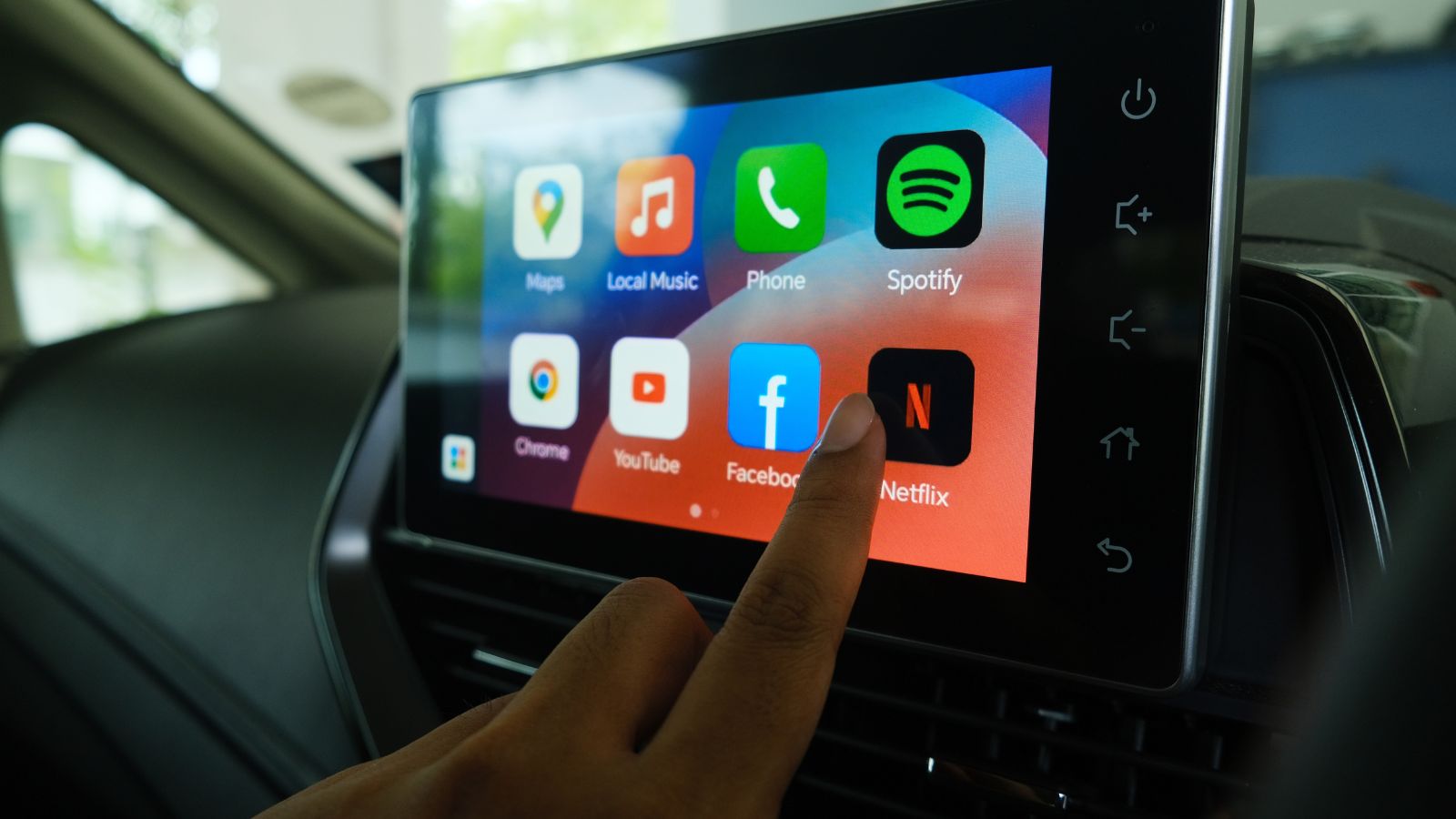
A clean dashboard can photograph beautifully while proving irritating in daily use. When climate settings, seat heaters, mirror controls, drive modes, and audio adjustments are buried in menus, simple actions may require several taps. The system can feel especially outdated when icons are small, screens lag, or frequently used controls move after a software redesign. A physical knob can often be located by touch; a virtual control generally requires looking away from the road.
AAA research has repeatedly connected complicated infotainment interactions with high visual and cognitive demand. In one study involving older drivers, participants took approximately 4.7 to 8.6 seconds longer than younger drivers to complete certain in-vehicle tasks. J.D. Power has also noted that the removal of conventional controls has not always been well received by owners. Technology begins to feel old when it creates extra work rather than reducing it. Newer design thinking is therefore not simply adding larger displays—it increasingly involves restoring shortcuts, steering-wheel controls, and physical interfaces for essential functions.
A Cellular Modem Built Around a Retired Network

Connected services are only useful while the car’s modem can communicate with an active network. The retirement of 3G service demonstrated how quickly telecommunications changes can disable automotive technology. Vehicles that were otherwise mechanically healthy lost functions such as remote unlocking, app access, emergency calling, stolen-vehicle assistance, and automatic collision notification because their embedded hardware could no longer connect.
Consumer Reports estimated that millions of vehicles were affected as carriers shut down 3G networks. Manufacturers responded differently. Some offered replacement modules or dealership upgrades, while others provided limited remedies or allowed services to expire. Subaru, for example, warned that affected vehicles could lose automatic collision notification, SOS assistance, stolen-vehicle recovery, and remote functions without an update. Ford similarly confirmed that vehicles using older embedded modems lost mobile-app features after network decommissioning. The episode showed that a car’s connected technology can become obsolete through an outside decision, even if the owner maintains the vehicle perfectly and every original component continues working.
Features That Depend on Manufacturer Servers
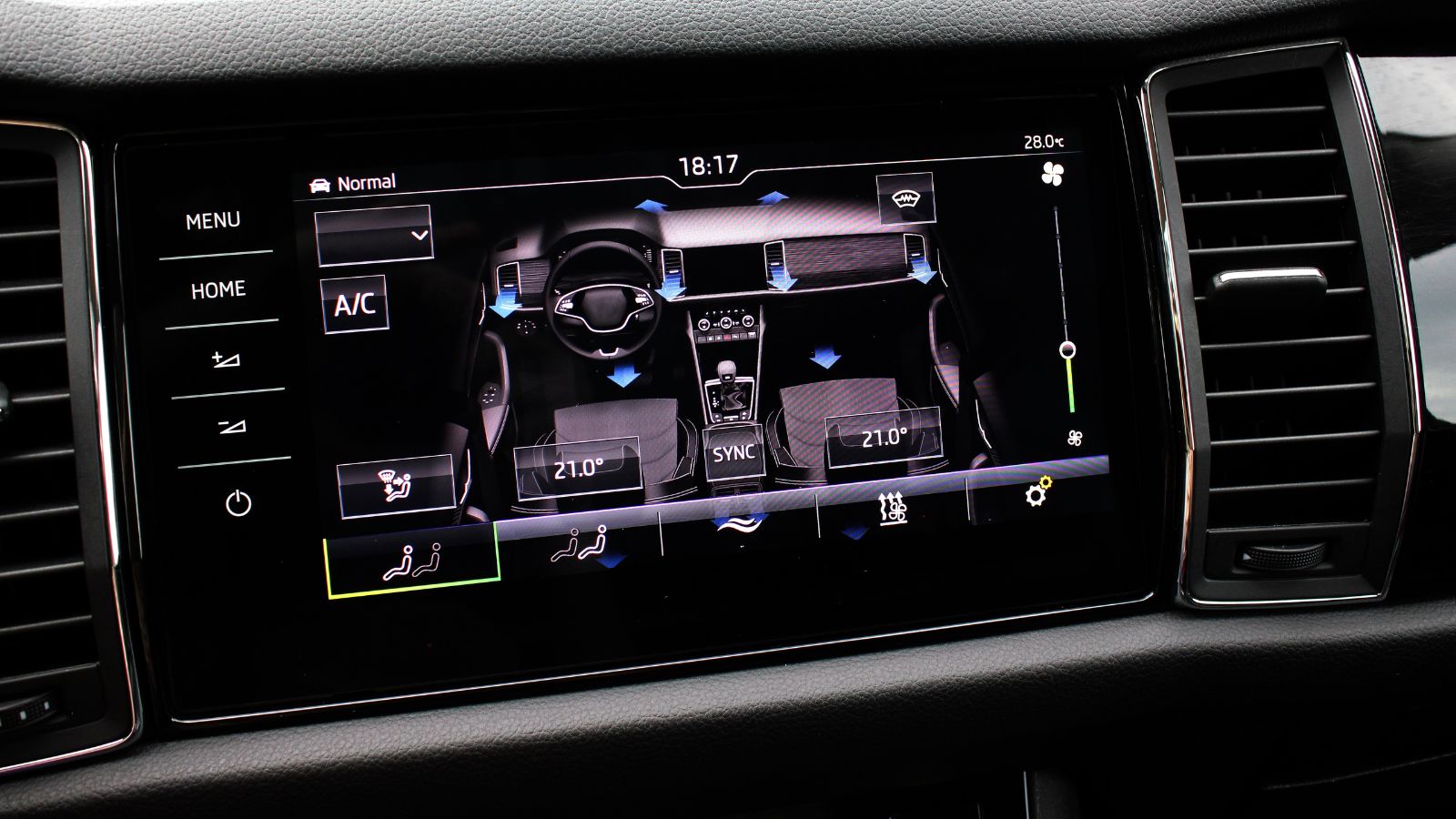
Some modern vehicle functions do not live entirely inside the car. Mobile applications, digital keys, remote climate controls, account authentication, traffic services, and certain downloadable features may rely on manufacturer-operated servers. That arrangement works smoothly while the company actively supports the platform. Problems arise when a service is redesigned, a model is abandoned, a supplier contract ends, or an automaker leaves the market.
The collapse of newer automotive companies has highlighted this risk. Owners of discontinued or unsupported vehicles may lose access to updates, diagnostic tools, replacement electronics, or server-dependent functions even though the cars themselves remain usable. Cars.com has described how software-heavy vehicles can become difficult to maintain when proprietary code, cloud services, and specialized tools are no longer available. This creates a different type of obsolescence from ordinary mechanical wear. A broken switch can often be replaced; a cloud function may disappear permanently. Technology feels outdated very quickly when an owner realizes that continued access depends on a remote company rather than the hardware already purchased.
Useful Features Locked Behind Subscriptions
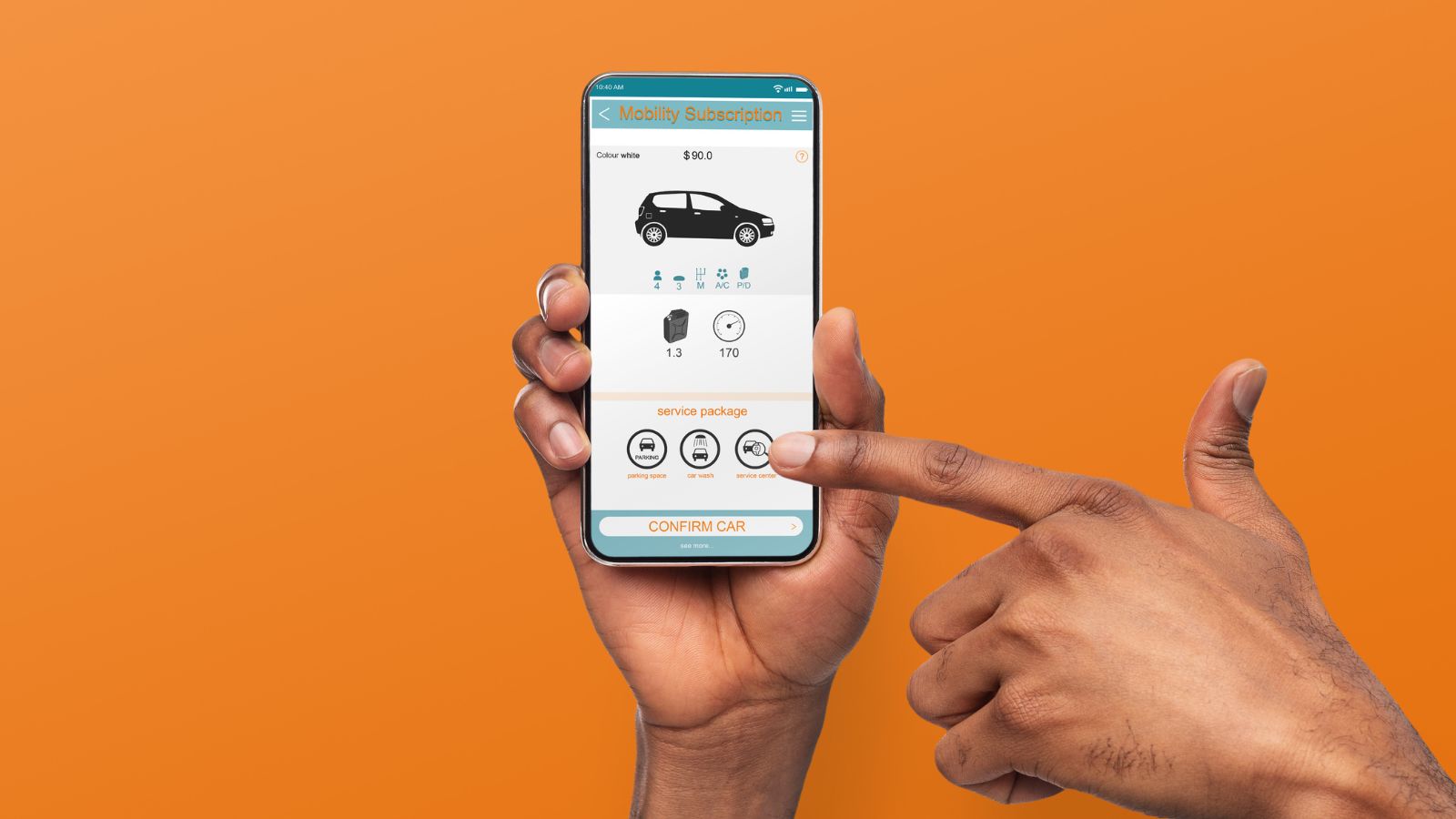
Subscription charges can change how owners perceive technology that is already installed in a vehicle. A remote starter, driver-assistance package, connectivity service, or emergency feature may operate during a complimentary trial and then disappear unless the owner begins paying monthly or annually. The hardware has not become old, but the experience can feel limited compared with a vehicle that includes equivalent features for its entire life.
Consumer Reports has documented automakers experimenting with subscriptions for convenience and connected functions. It has also found that automatic crash-notification services may be free in some vehicles while costing more than $20 per month in others. Subscription models can be reasonable when they cover ongoing cellular data, live support, or continuously maintained services. Frustration grows when a payment appears to unlock equipment already built into the car. A used buyer may be especially surprised to discover that a feature demonstrated by the seller requires a separate account. Technology that repeatedly asks for payment can feel less advanced than a simpler system that remains permanently available.
A Basic Camera When Newer Cars Offer Multiple Views
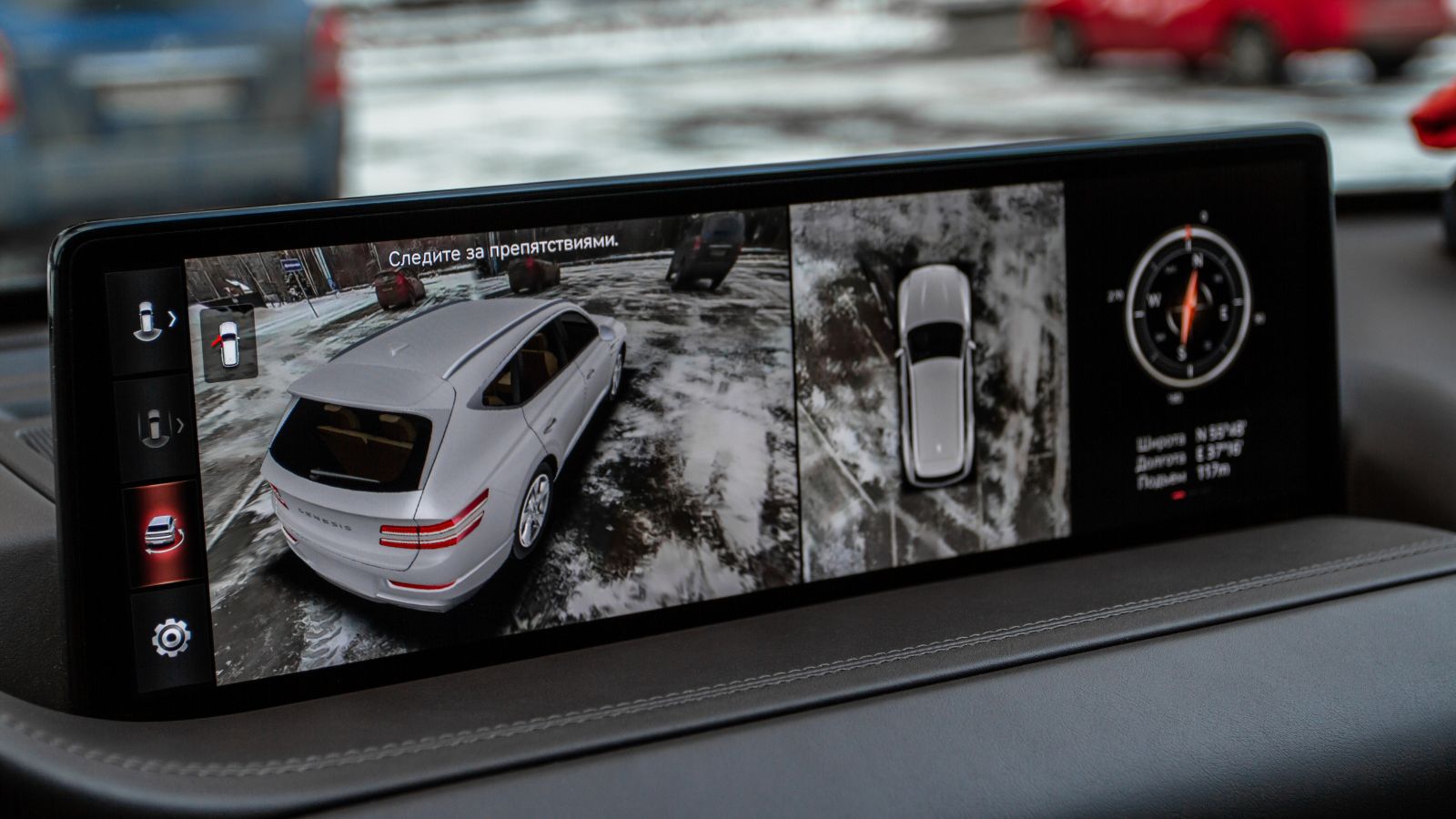
A single rear camera was once a significant safety and convenience upgrade. Today, many vehicles combine front, rear, side, and mirror-mounted cameras to create overhead views, wheel-clearance images, trailer guidance, and blind-spot displays. Once drivers use those systems, returning to a narrow rear image can make an otherwise modern vehicle feel noticeably older.
J.D. Power has found that owners particularly value technologies addressing a clear visibility problem. Blind-spot cameras have ranked highly because they show an area drivers already know is difficult to see during lane changes. Federal rear-visibility rules established an important minimum standard for reversing, but a compliant backup camera is not the same as a high-resolution surround-view system. Image clarity, lens placement, lighting performance, cleaning systems, and software stitching all affect usefulness. An older camera that becomes unreadable at night or in rain may technically function, yet it feels dated when a newer vehicle can display several clear angles and dynamic guidelines at the touch of a button.
Driver-Assistance Systems That Produce Frequent False Alerts

An early lane-departure or collision-warning system may look advanced on a specification sheet while feeling crude on the road. Faded lane markings, construction zones, sharp curves, shadows, roadside objects, and unusual weather can confuse older sensors or software. Repeated beeping and unnecessary steering corrections encourage drivers to lower the sensitivity or disable the feature entirely.
AAA testing has documented false-positive warnings and missed detections in some lane-departure systems, warning that inconsistent alerts can become annoying enough for owners to switch the systems off. Separate AAA research found widespread confusion about driver-assistance limitations: nearly 40% of drivers using forward-collision warning or automatic emergency braking did not fully understand the distinction or limitations. About one-quarter of some system users reported feeling comfortable relying too heavily on the technology. Newer systems are not flawless, but improved cameras, radar, mapping, and software can produce more natural interventions. A system that constantly cries wolf can therefore make a car feel older than one with fewer but more dependable alerts.
Weak or Easily Defeated Driver Monitoring
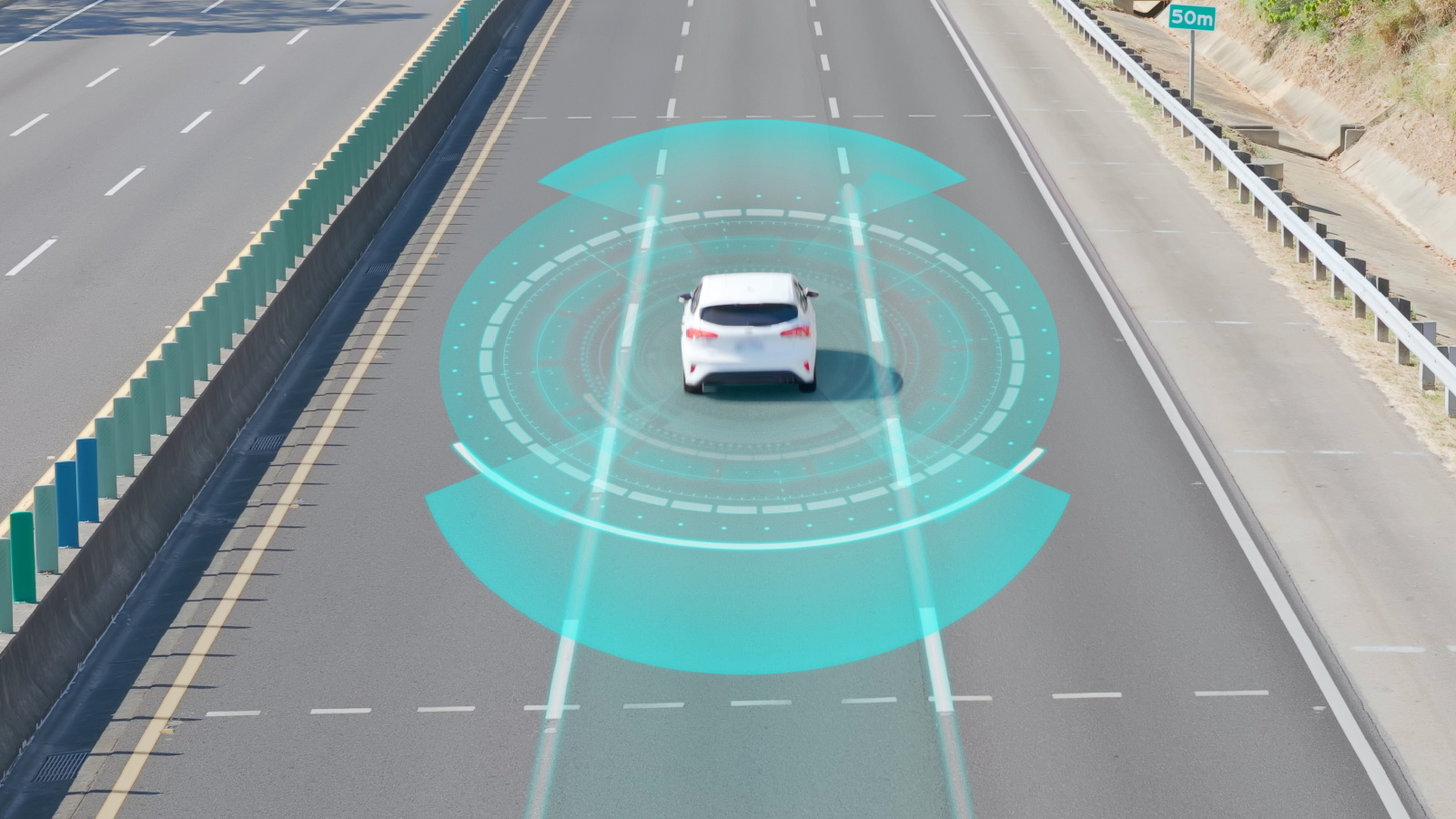
As vehicles gain steering and speed assistance, they also need reliable methods of determining whether the human driver remains attentive. Some early systems rely mainly on detecting pressure or small movements at the steering wheel. That approach may generate repeated “keep hands on wheel” messages even when the driver is watching carefully, while potentially failing to recognize certain forms of distraction.
AAA real-world testing found that driver-monitoring systems using a driver-facing camera were generally more effective at keeping motorists engaged than systems relying primarily on steering-wheel input. Camera-based systems can monitor head position or eye direction, although they are not foolproof and can create privacy or usability concerns. The contrast becomes apparent when drivers move between vehicles. One car may issue poorly timed warnings based on steering input, while another can respond more directly to visible inattention. Because assisted-driving functions depend heavily on driver supervision, weak monitoring can make the entire technology package feel like an unfinished first-generation product rather than a mature safety system.
No Automatic Personalization or Digital-Key Support

Drivers increasingly expect a vehicle to recognize who has entered and restore personal settings automatically. Newer systems may associate a profile with a key, smartphone, account, fingerprint, or facial-recognition feature. Depending on the model, the car can adjust seat position, mirrors, favourite stations, climate preferences, instrument layouts, navigation history, and driver-assistance settings. Without profiles, every shared trip may begin with manually reversing another person’s changes.
Digital keys raise expectations further. Apple supports car-key functions on compatible vehicles, including passive entry on certain combinations of cars and devices. J.D. Power has tracked rapid development in biometric authentication and other recognition technologies, although its findings also show that these features can be troublesome when poorly executed. The point is not that every car needs facial recognition. Rather, a complete lack of personalization can feel old when household electronics routinely remember individual users. A vehicle that forgets every preference—or supports only one crude settings slot—may seem technologically behind despite having a large screen and numerous menu options.
Little Access to Live Data or a Modern App Ecosystem

A self-contained infotainment system can age quickly because its information is limited to what was installed or downloaded. It may know a road exists but not that traffic has stopped, a business has closed, or an incident has blocked the preferred route. It may also offer only a small collection of manufacturer-approved applications that receive infrequent updates.
Phone-projection platforms and connected navigation systems have changed this standard. Consumer Reports notes that smartphone-based systems can use cloud services for real-time traffic, improved destination searches, speech processing, and frequently updated applications. HERE describes newer connected-navigation products as using continuous feedback to refresh information involving speed limits, incidents, and road conditions. An older vehicle may still provide accurate basic directions, Bluetooth streaming, and hands-free calls, but it feels static beside a system that responds to current conditions. The contrast is especially noticeable during commuting, road closures, or travel through unfamiliar areas, where live information has practical value rather than serving as a decorative technology feature.
Poor EV Route Planning and Battery Preconditioning
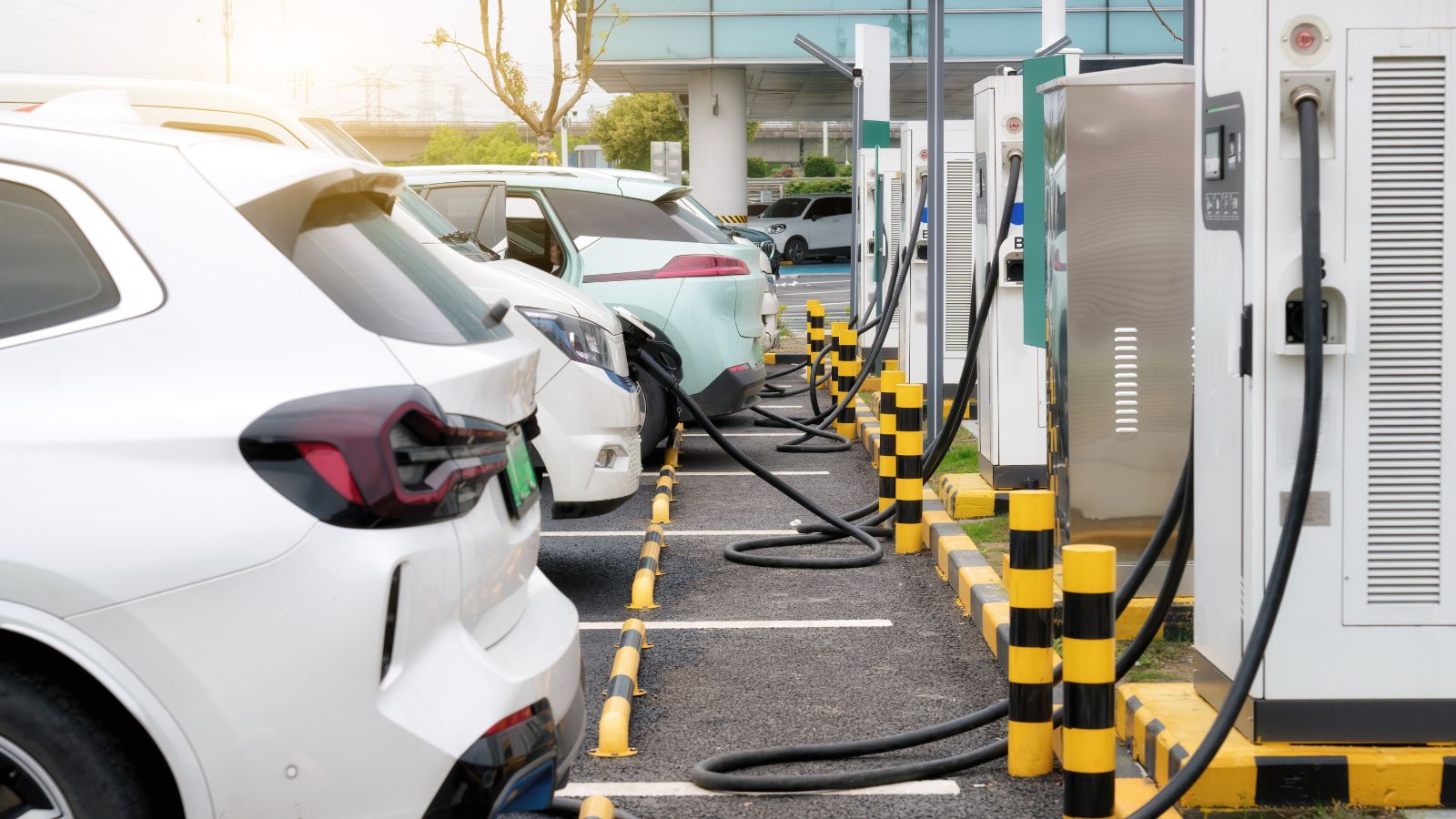
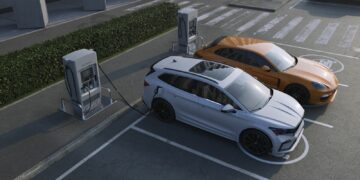
Electric vehicles expose outdated software particularly quickly because navigation, charging, and battery management are closely connected. A basic EV system may display nearby chargers without considering availability, charging speed, vehicle compatibility, weather, elevation, expected energy use, or the battery level required upon arrival. Drivers must then plan the journey through several phone applications and manually compare options.
More integrated systems can build charging stops into a route and prepare the battery for faster charging before arrival. The U.S. Alternative Fuels Data Center provides tools for finding chargers by location or along a route, illustrating how much information is involved. Tesla advises navigating toward certain fast chargers for roughly 30 to 45 minutes when possible so the vehicle can reach a more suitable battery temperature. When a newer EV performs these calculations automatically, an older model that merely shows a charger icon can feel unfinished. The vehicle may have adequate range and performance, but weak software makes long-distance use more complicated than necessary.
Software Bugs That Never Fully Disappear
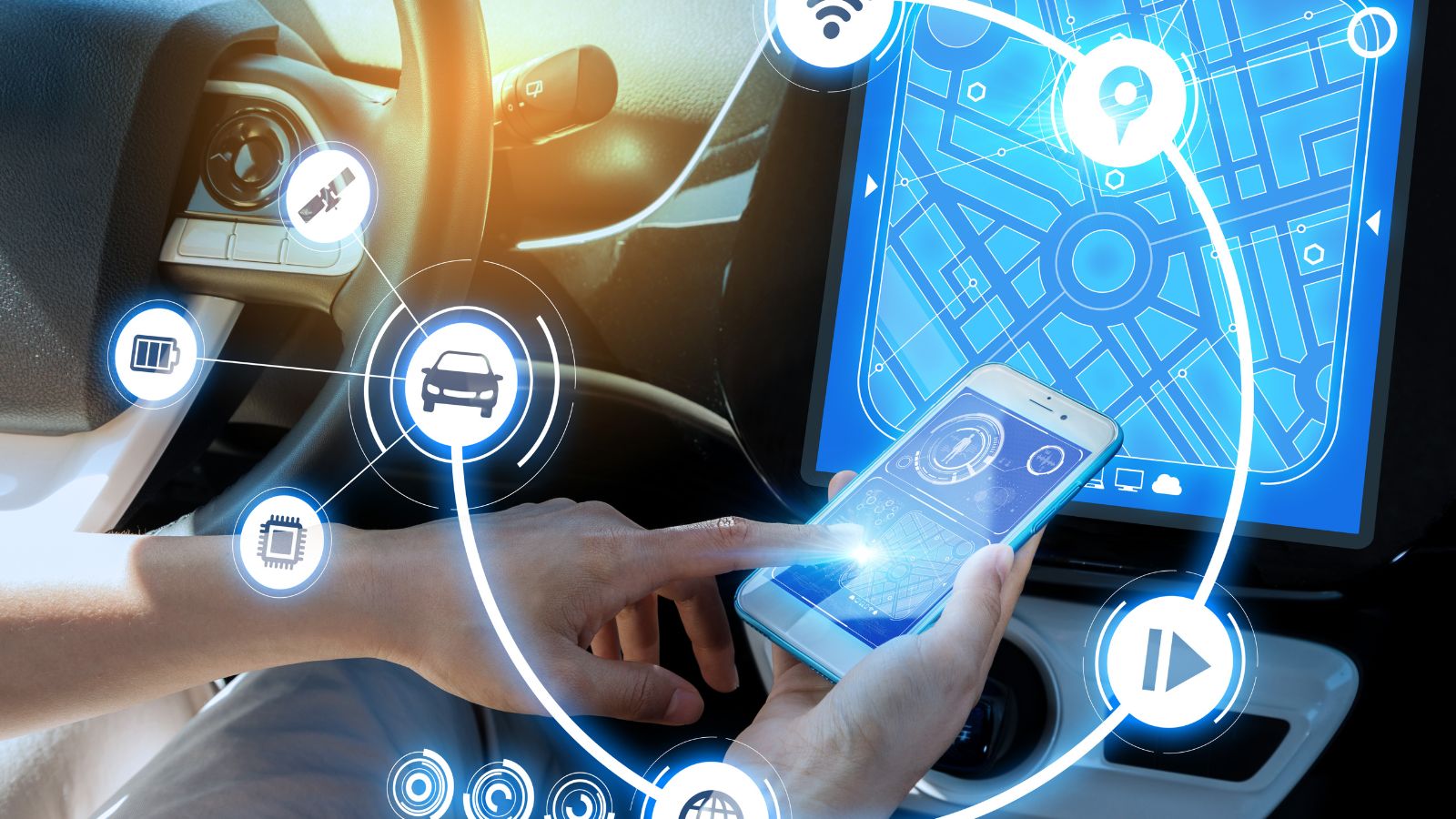
Nothing ages automotive technology faster than recurring bugs. Bluetooth connections that drop, screens that freeze, cameras that fail to appear, profiles that reset, and audio systems that suddenly go silent can make a new vehicle feel unreliable. Consumer Reports has published restart procedures because some infotainment problems can be resolved only by rebooting the vehicle system, disconnecting a phone, or restoring factory settings.
Updates do not always guarantee stability. A widely reported Lexus over-the-air update once caused infotainment systems in affected vehicles to crash, requiring dealership intervention. J.D. Power has also reported that newer model launches can experience more quality problems than established carryover vehicles, with complicated technology contributing to owner frustration. Modern cars contain extensive networks of computers, sensors, and software modules, so occasional defects are understandable. The real sign of rapid aging is a problem that remains unresolved through multiple updates or service visits. When drivers begin planning trips around a temperamental screen, the technology has stopped feeling innovative and started feeling worn out.
22 Things Canadians Do to Their Cars in Spring That Mechanics Hate

Spring brings relief to many Canadian drivers after months of snow, freezing temperatures, and icy roads that put serious strain on vehicles. As temperatures rise across the country, drivers begin washing cars, switching tires, and preparing vehicles for warmer weather and upcoming road trips. However, mechanics across Canada notice the same mistakes every spring when drivers attempt to recover from winter damage. Road salt, potholes, and harsh winter driving conditions often leave vehicles with hidden problems that drivers ignore. Some spring habits even create new mechanical issues that could have been avoided with proper maintenance. Here are 22 things Canadians do to their cars in spring that mechanics hate.