








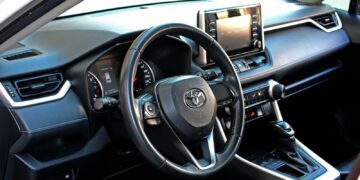








For years, bigger screens were treated as proof that a vehicle was more modern. Now, a quieter countertrend is emerging: some Canadian shoppers are deliberately looking for cabins with fewer displays, more physical controls, and less dependence on touch-sensitive menus.
That preference is not necessarily anti-technology. Many buyers still want smartphone integration, navigation, cameras, and modern safety systems. What they increasingly question is whether every routine function needs to live behind glass. From winter usability and driver distraction to long-term reliability and technological obsolescence, 12 practical reasons help explain why a less screen-dominated dashboard can suddenly feel like the more modern choice.
Physical Controls Can Keep More Attention on the Road
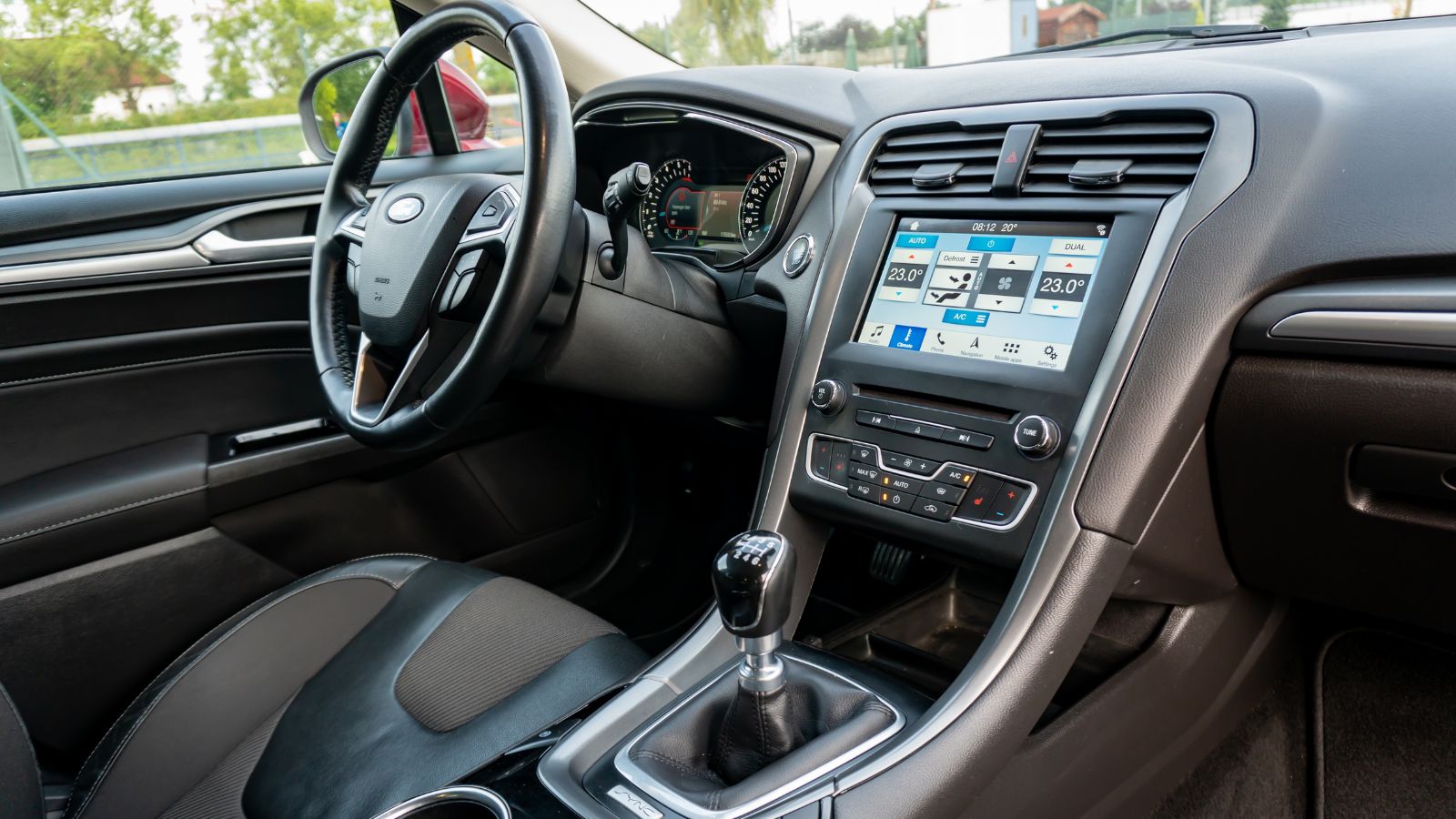
A touchscreen can look beautifully simple when a vehicle is parked, but driving changes the equation. Transport Canada’s guidance for in-vehicle visual displays says interfaces should allow tasks to be completed through brief glances, with individual glances generally lasting no more than two seconds. Essential and frequently used controls should also be directly accessible. Those recommendations help explain why some drivers prefer temperature knobs, volume dials, and dedicated defrost buttons instead of navigating through multiple digital menus.
The appeal is especially understandable on crowded Canadian highways or busy urban streets, where circumstances can change rapidly. Adjusting a fan or lowering the temperature should ideally require little thought. A large display is not automatically dangerous, and a poorly positioned physical button can also be distracting. The important distinction is usability. For shoppers who find themselves visually searching through icons every time a basic setting changes, fewer screen-dependent functions can feel like a genuine safety improvement rather than technological nostalgia.
A Knob Can Be Easier to Find Without Looking
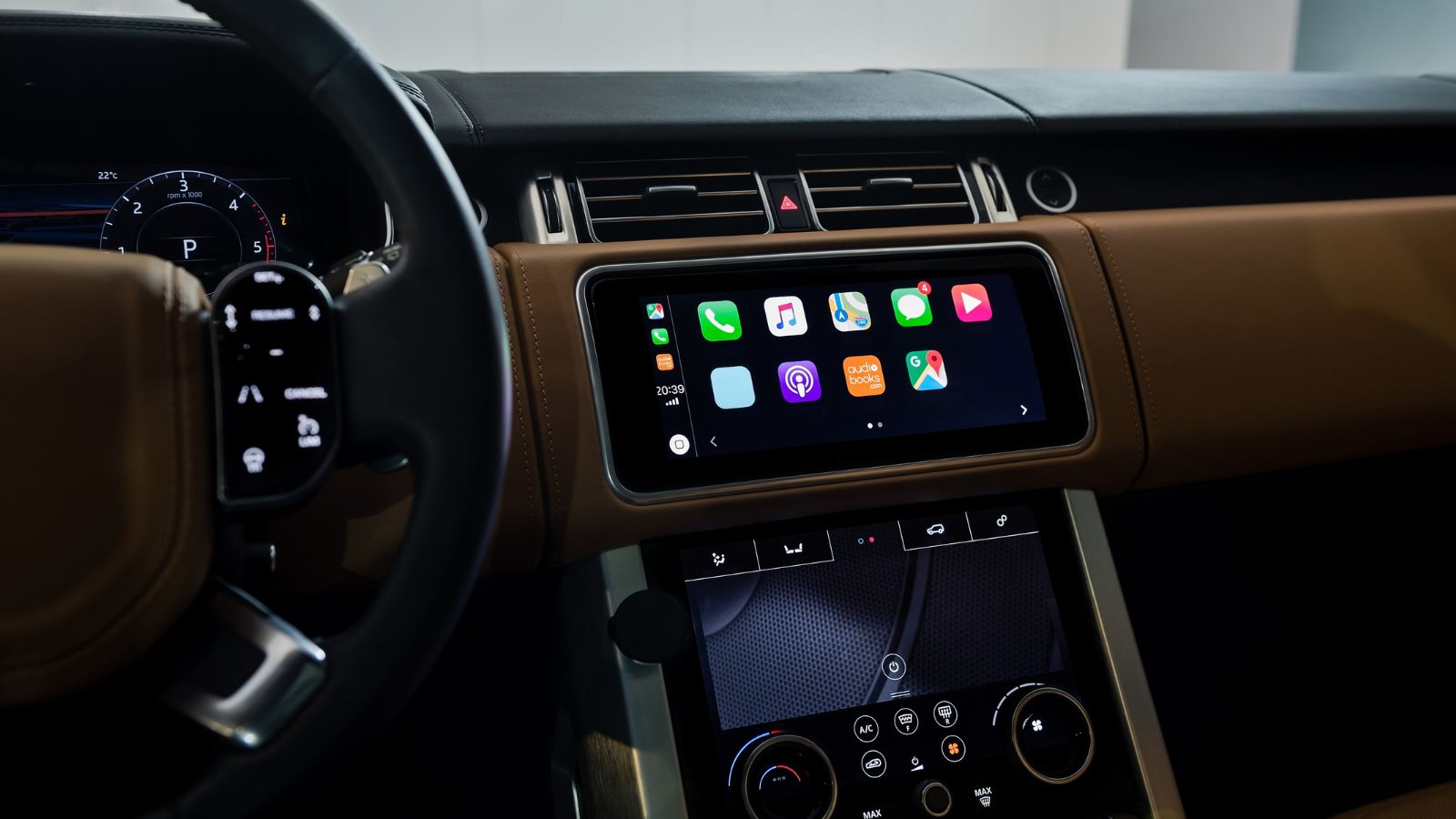
Physical switches provide something flat glass struggles to reproduce: shape, resistance, position, and movement that can be recognized by touch. Human-factors research has found that conventional controls can provide nonvisual cues that help drivers operate vehicle functions while directing less visual attention toward the interface. Well-designed touchscreens can improve with haptic or other feedback, but many production systems still require drivers to confirm an action visually.
A widely discussed Swedish vehicle test demonstrated the difference dramatically. Drivers travelling at 110 km/h performed four everyday tasks in several modern vehicles and a 2005 Volvo V70. The older Volvo, with conventional controls, required about 10 seconds to complete all four tasks. The slowest modern vehicle required 44.9 seconds. That test was not a controlled Canadian safety study, so it should not be treated as proof that every older dashboard is safer. Still, the result illustrates why a familiar rotary dial can seem refreshingly effective beside an interface requiring several taps and swipes.
Canadian Winters Make Fast Climate Controls Matter
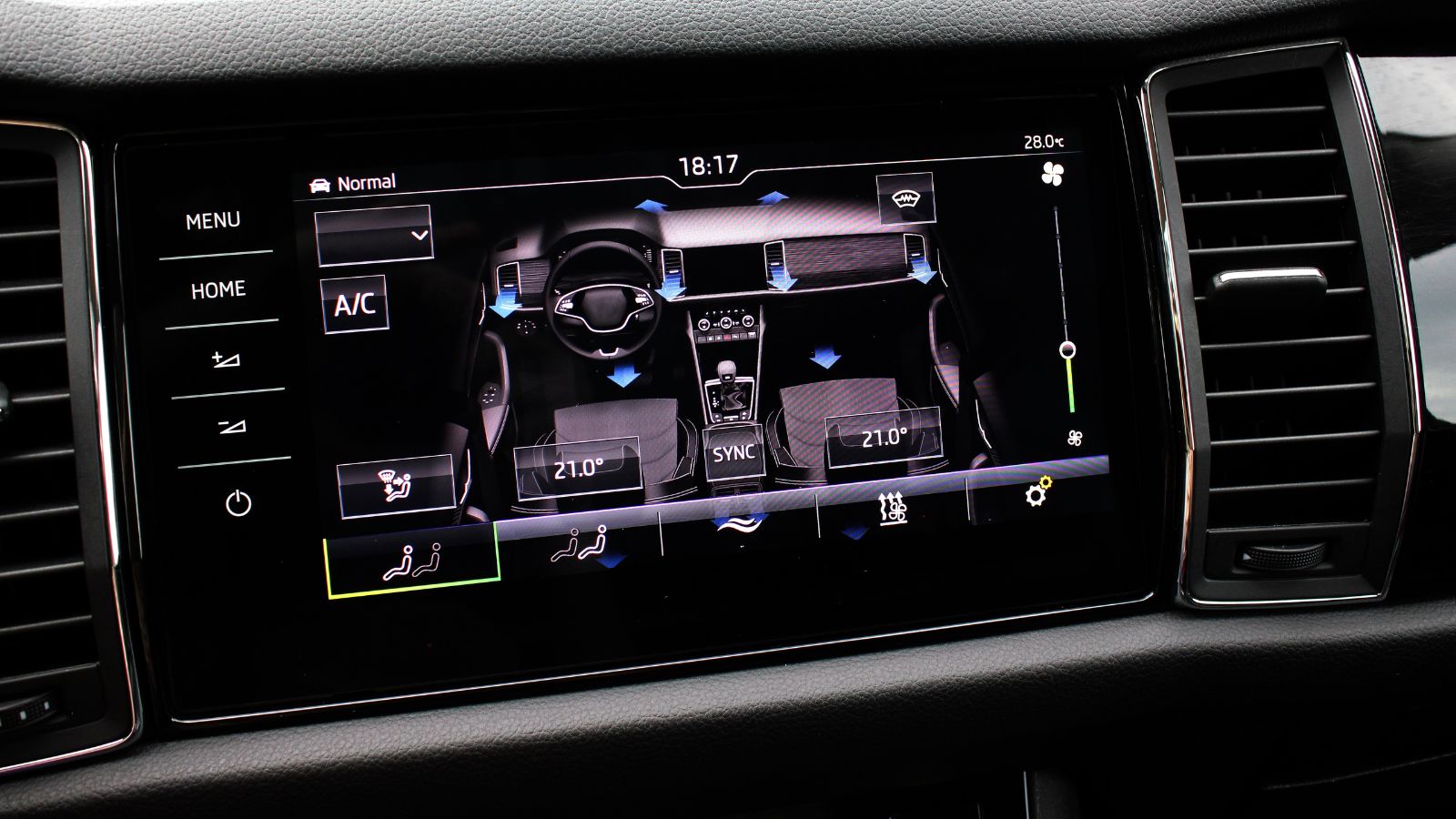
Climate controls are more than a comfort feature during a Canadian winter. Transport Canada advises motorists to keep windows clear of frost and fog, and its winter-preparation guidance specifically recommends making sure the heater and windshield defroster work properly. It also recommends winter windshield-washer fluid rated to roughly -40°C. When blowing snow, freezing drizzle, or rapidly fogging glass reduces visibility, finding the right climate setting quickly becomes more important than making a dashboard look minimalist.
That is one reason some drivers dislike vehicles that place fan speed, heated seats, temperature, or defrost commands several layers deep in a touchscreen. Consider a cold morning commute when gloves are still on, the windshield is fogging, and traffic is already moving. A dedicated defrost button can be identified almost instantly. With a touchscreen, the same command may require waking the display, opening a climate panel, and selecting an icon. The difference is small in a showroom but can feel much larger during a February storm.
Menu Hunting Turns Simple Tasks Into Small Projects
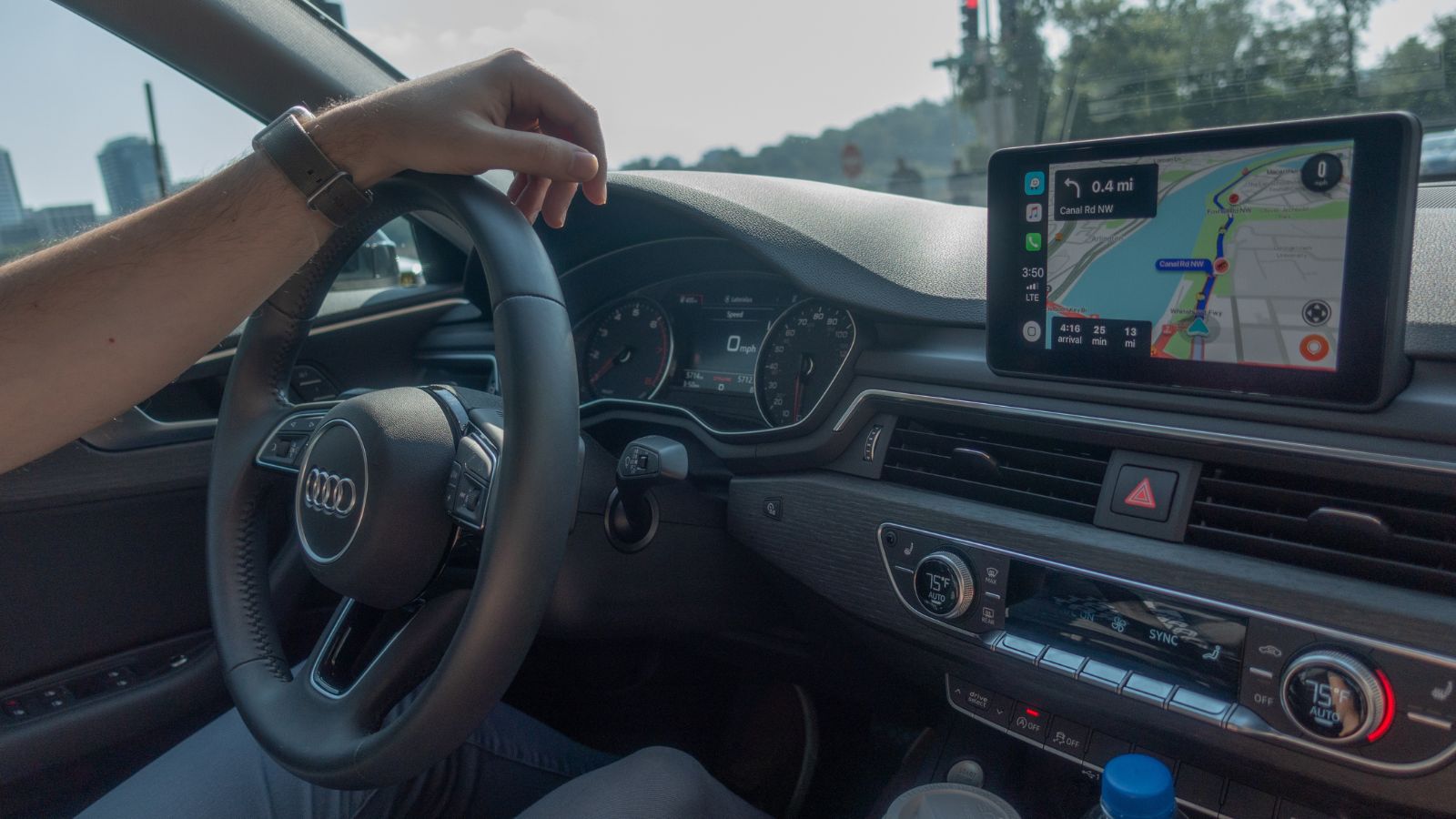
Modern vehicles can perform an extraordinary number of functions, but adding features does not guarantee that those features will be easy to operate. J.D. Power’s 2025 Tech Experience Index offered a useful example with automated “car wash mode.” The feature can prepare a vehicle by performing several necessary steps, yet 38% of owners using it said they needed better instructions, while another 15% complained that it took too long. The problem was not the idea itself; it was finding and operating it efficiently.
Canadian road tests have documented similar frustrations with screen-heavy vehicles. Functions such as mirror adjustment, steering-wheel positioning, climate settings, or basic audio commands can sometimes require opening menus and then using another control to finish the task. Drivers who regularly switch between work vehicles, rentals, and family cars may notice the problem even more. A knob labelled “TEMP” requires almost no learning. A customizable digital control can be more powerful, but it also demands familiarity. For some buyers, simplicity has become a feature worth shopping for.
Infotainment Is Still a Major Source of New-Car Complaints
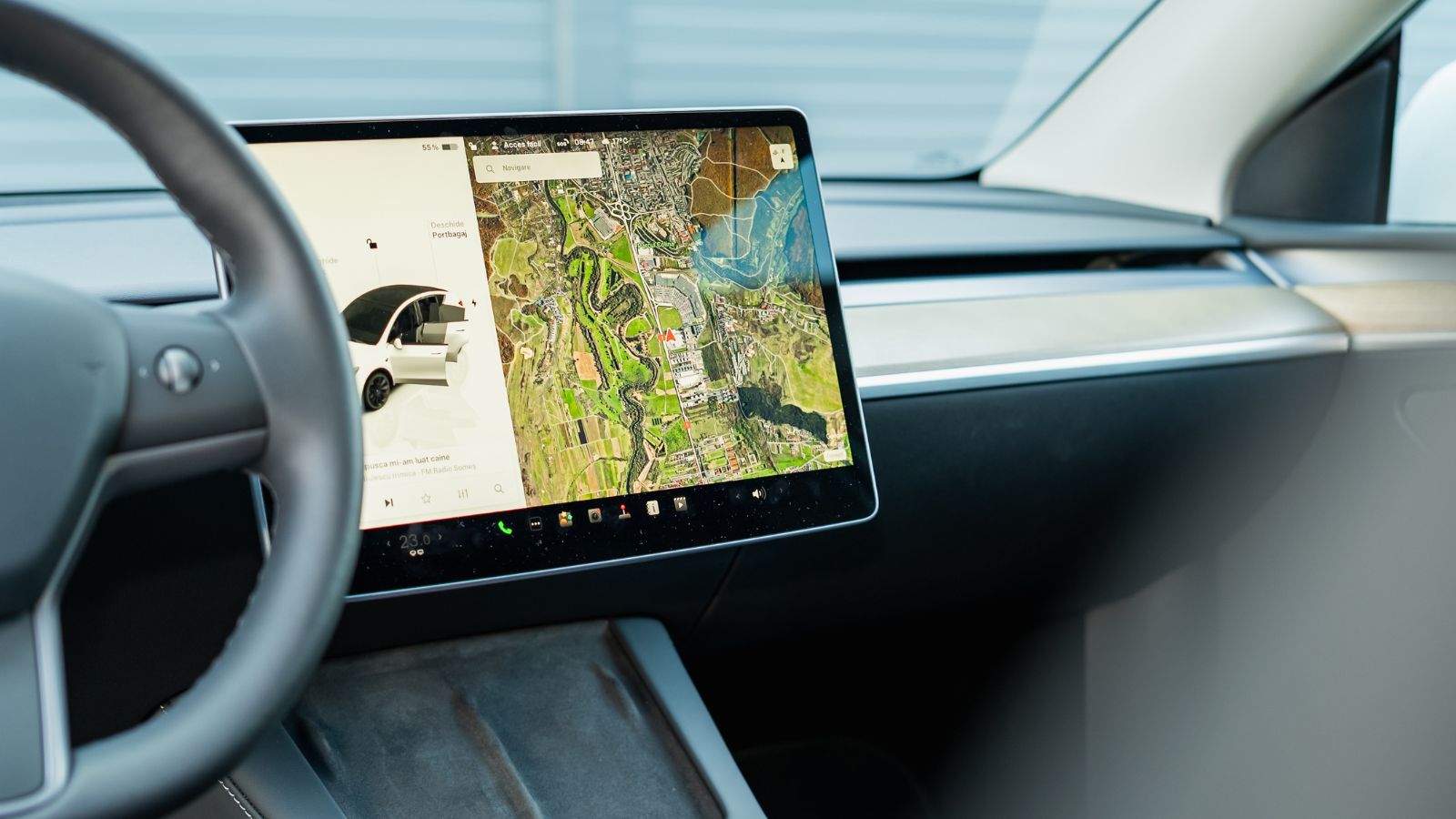
Automotive technology has improved enormously, yet infotainment continues to generate a disproportionate amount of owner frustration. J.D. Power’s 2026 U.S. Initial Quality Study found overall new-vehicle quality improved substantially, but infotainment was the only major category in which reported problems increased. Mass-market vehicles recorded 44.4 infotainment problems per 100 vehicles, while premium models recorded 38.3. Connectivity with Android Auto and Apple CarPlay was a notable contributor.
The same study contained an especially relevant finding for screen-heavy interiors. Among owners who reported a vehicle-related distracted-driving problem, 46% identified the infotainment system or touchscreen as the source. That does not mean physical controls are immune from poor design, nor does U.S. owner data measure Canadian preferences directly. It does show why buyers may hesitate when a vehicle makes one screen responsible for navigation, audio, vehicle settings, climate functions, cameras, and other controls. When a single interface becomes the dashboard’s command centre, even a minor glitch can suddenly affect several parts of everyday driving.
A Failed Screen Can Become an Expensive Piece of Hardware
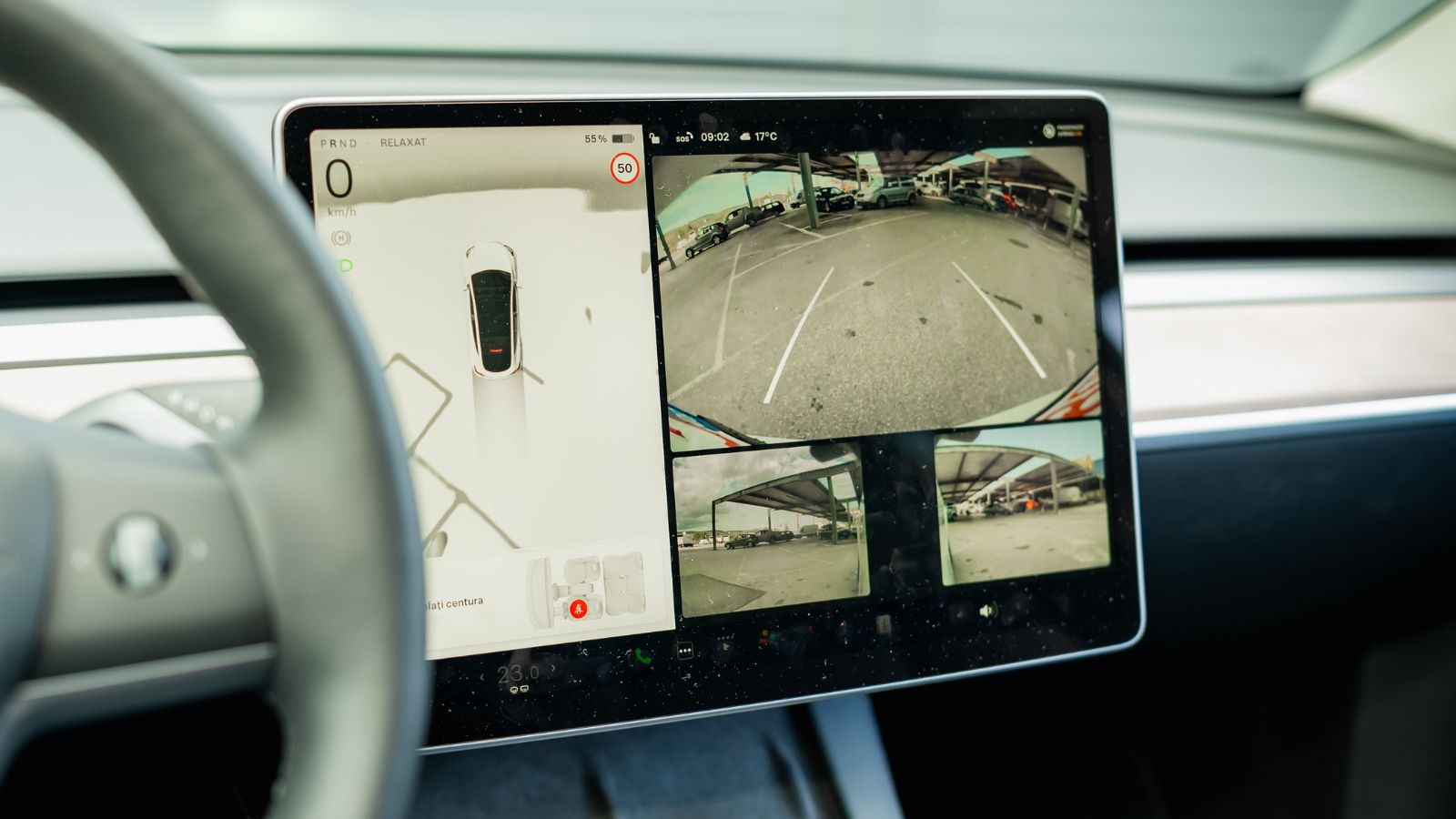
Traditional buttons can wear out, but replacing a simple switch is a very different proposition from replacing a sophisticated display or integrated infotainment module. Canadian automotive reporting has noted that replacement screen or head-unit parts can cost anywhere from several hundred dollars to more than $1,000 in some vehicles, before considering the circumstances of a particular repair. The risk becomes more meaningful after the factory warranty has expired.
Consumer Reports reliability feedback provides real-world examples of owners encountering black screens, freezing displays, failed modules, and complete infotainment replacements across several recent vehicles. Most modern cars will never suffer a catastrophic display failure, and many software problems can be corrected through an update or restart. Still, long-term owners have another calculation to make. If climate controls, cameras, audio, settings, and connectivity all depend heavily on one central unit, failure can inconvenience far more than the stereo. A vehicle that keeps critical everyday functions on independent physical controls can therefore feel less financially intimidating as it ages.
Digital Features Can Become Obsolete Before the Vehicle Does
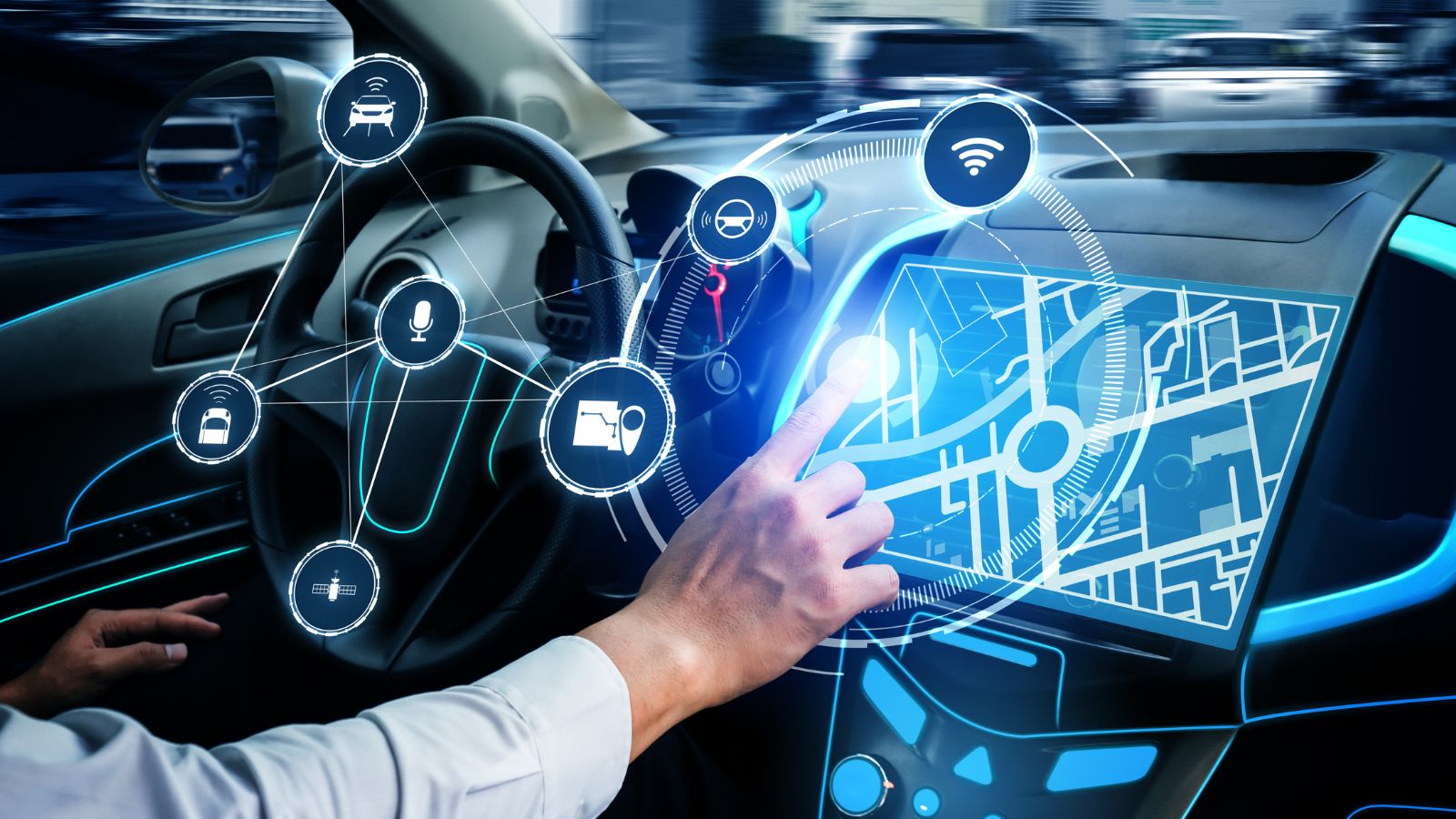
Cars regularly remain on Canadian roads for well over a decade, while communications technology moves on much faster. The ongoing retirement of Canadian 3G networks demonstrates the mismatch. The CRTC has warned that older connected devices can lose network functionality as carriers discontinue 3G service. Automakers have consequently had to explain what happens to vehicles whose built-in telematics hardware depends on those networks.
Toyota Canada, for example, says certain older Canadian vehicles can lose functions such as Safety Connect, Destination Assist, traffic information, and weather services as compatible 3G coverage disappears. For listed affected Toyota models, the company says no retrofit is available to retain those connected services. That does not mean the vehicles stop driving; rather, digital features can disappear while the mechanical vehicle remains perfectly usable. Experiences like that can influence shoppers planning to keep their next car for 10 or 15 years. A simpler interior with strong smartphone integration may feel more future-proof than an elaborate permanently installed ecosystem tied to aging hardware and networks.
Simpler Displays Can Be Friendlier to Older Drivers

Not every driver processes digital complexity at the same speed. Research commissioned by the AAA Foundation for Traffic Safety compared younger drivers aged 21 to 36 with drivers aged 55 to 75 using modern infotainment systems. Older participants generally took longer to complete tasks and experienced greater visual and cognitive demand. The study involved 128 licensed drivers and evaluated activities including navigation programming, calling, messaging, and music selection.
Separate research published in Applied Ergonomics found that increasing the visual complexity of an in-vehicle display affected older participants more strongly. In that experiment, task-completion time rose about 47% for the older group as display complexity increased, compared with roughly 20% for younger participants. This does not mean older Canadians cannot use modern technology effectively. Good interface design can benefit every age group. It does suggest that a dashboard filled with icons, changing menus, and multifunction touch surfaces may create unnecessary friction. A straightforward instrument cluster and clearly labelled controls can make a vehicle easier for multiple generations in the same household to share confidently.
Less Illuminated Glass Can Make a Cabin Feel Calmer at Night
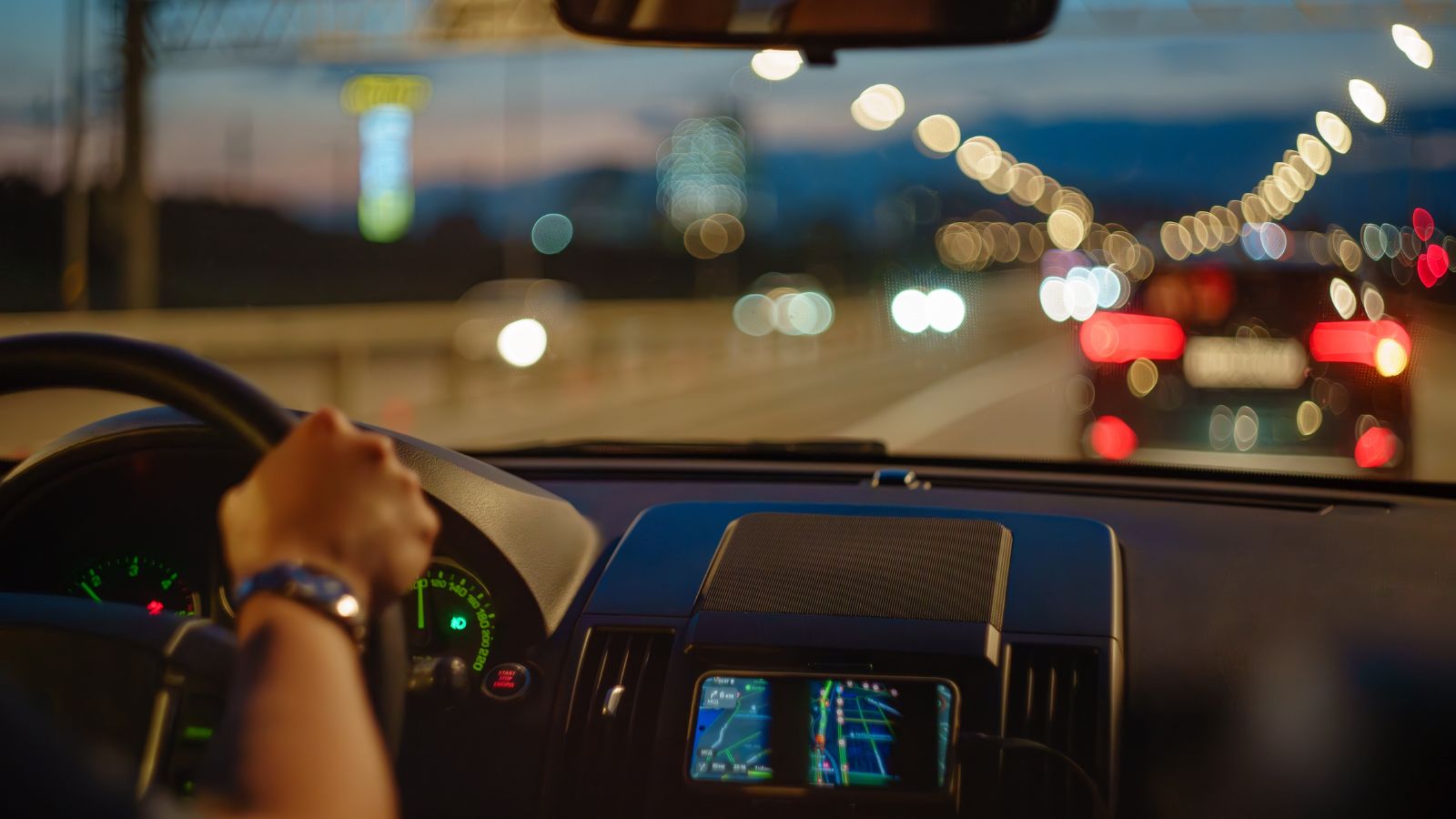
Large displays have to work under two completely different lighting conditions: harsh daytime sun and near-total darkness. Transport Canada’s research-based display guidelines specifically address glare, reflections, luminance, and night modes. They recommend minimizing reflections, allowing display brightness to be reduced in darkness, and using measures such as darker backgrounds or automatic brightness adjustment to prevent displays from becoming unnecessarily intrusive.
That matters during long winter nights, particularly outside major Canadian cities where the roadway can become extremely dark between towns. A properly designed modern display should dim appropriately and may be perfectly comfortable. But when several bright digital surfaces fill the cabin, some drivers simply prefer less visual activity in their peripheral vision. Reflections on windows, bright map backgrounds, animated graphics, and changing menus can make the interior feel busy even when none of them is technically malfunctioning. For these motorists, a smaller central screen accompanied by traditional gauges or restrained displays creates a cabin that seems easier to settle into during a late-night highway drive.
Used-Car Buyers Have More Electronics to Inspect
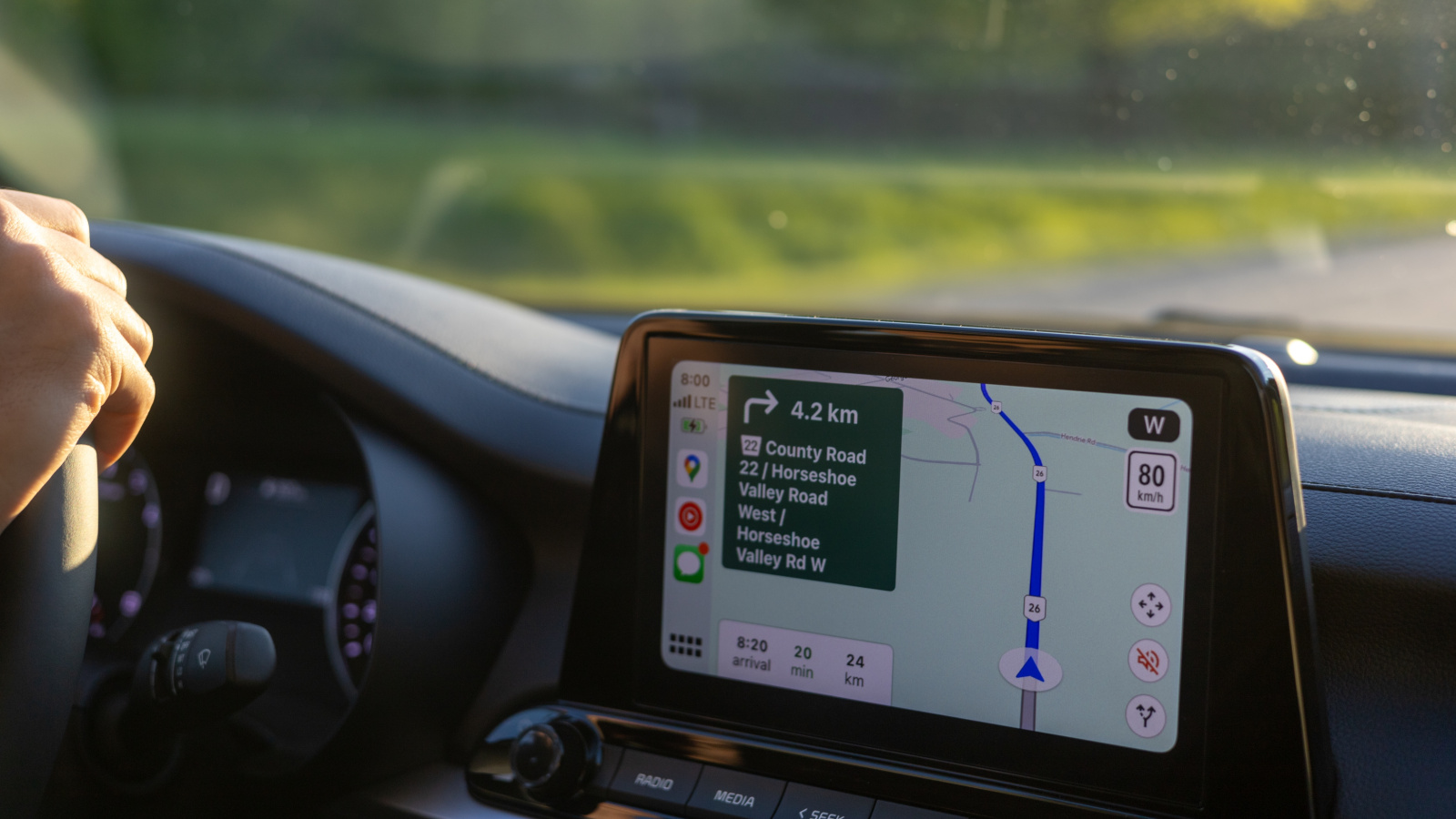
The concern becomes more practical once a vehicle reaches the second-hand market. J.D. Power’s 2026 U.S. Vehicle Dependability Study examined vehicles after three years of ownership and found infotainment remained the most problematic of nine categories, at 56.7 problems per 100 vehicles. That is precisely the age at which many relatively new vehicles start appearing on Canadian used-car lots in significant numbers.
AutoTrader.ca consequently advises used-car shoppers to spend real time checking infotainment hardware before buying. Suggested checks include the screen itself, physical controllers, Bluetooth, Apple CarPlay or Android Auto, USB ports, navigation, and software versions. A touchscreen that occasionally freezes during a five-minute dealership demonstration could become an irritating daily problem later. Buyers considering a simpler model still need to inspect its electronics, of course, but there may be fewer essential functions dependent on a single digital interface. For shoppers already worried about transmissions, brakes, rust, tires, and maintenance history, reducing one more area of complexity can have considerable appeal.
Fewer Screens Does Not Have to Mean Giving Up Connectivity
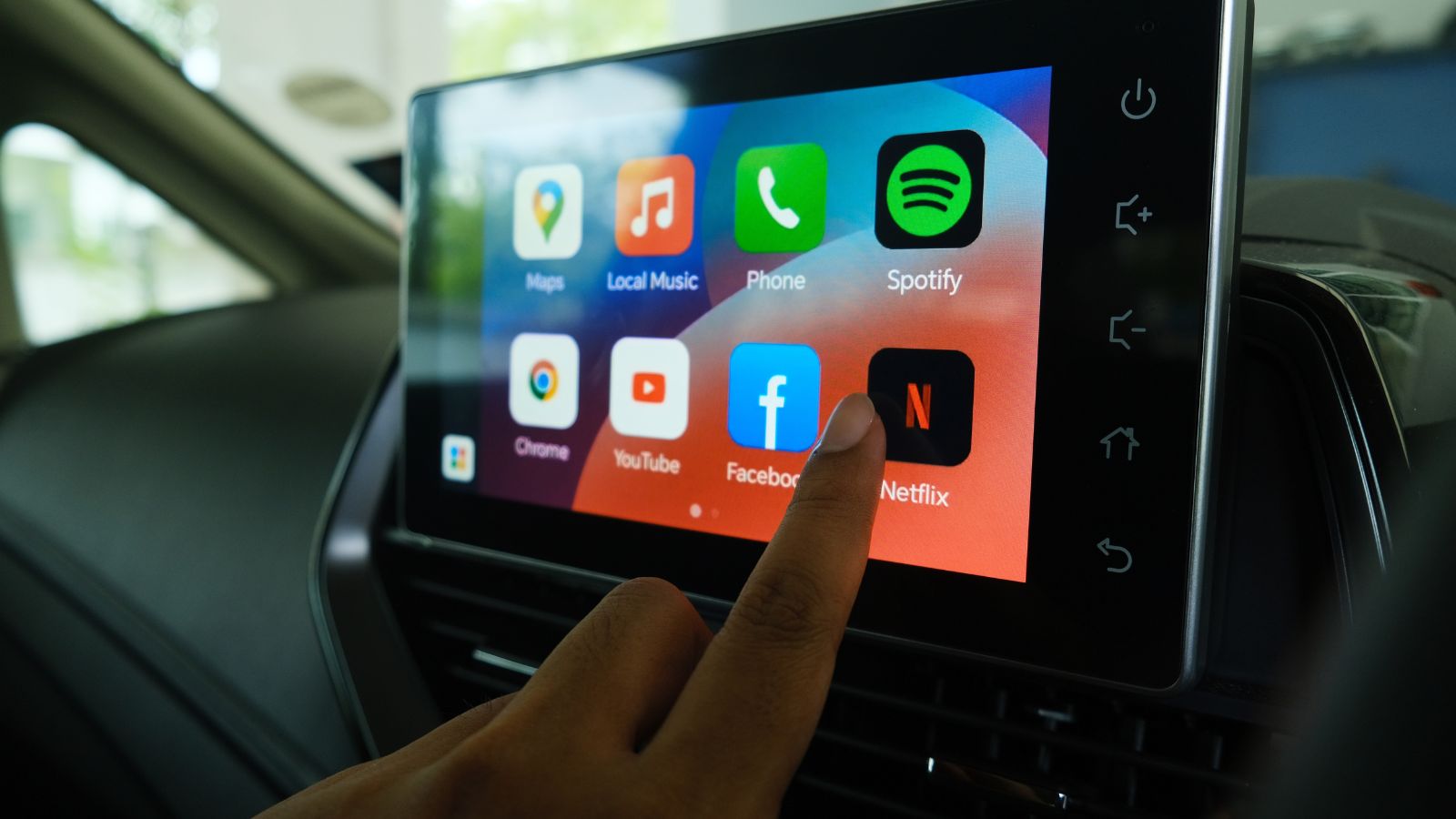
Some buyers are discovering that there is a useful middle ground between an old-fashioned radio and a dashboard covered in displays. A relatively modest screen can still provide wireless Apple CarPlay, Android Auto, navigation, backup-camera views, music, and communication. The 2027 Toyota Corolla Hatchback sold in Canada, for example, uses an eight-inch touchscreen while still providing wireless Apple CarPlay and Android Auto. Bigger displays exist elsewhere in the market, but eight inches is enough for most routine smartphone-projection tasks.
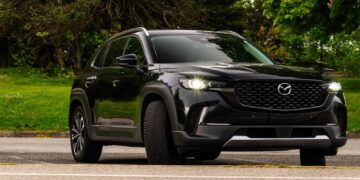
Mazda provides another interpretation. The Canadian-market CX-30 combines its centre display with a console-mounted Commander controller, dedicated home and back functions, and a physical volume knob. Smartphone projection remains available, so the driver does not have to choose between connectivity and tactile operation. That balance helps explain what many screen-sceptical shoppers are actually seeking. They are not necessarily asking manufacturers to remove digital technology. They want the screen to handle jobs for which a screen is genuinely useful while leaving quick, repetitive interactions to controls that can be operated with minimal thought.
Even Automakers and Safety Organizations Are Reconsidering the Trend
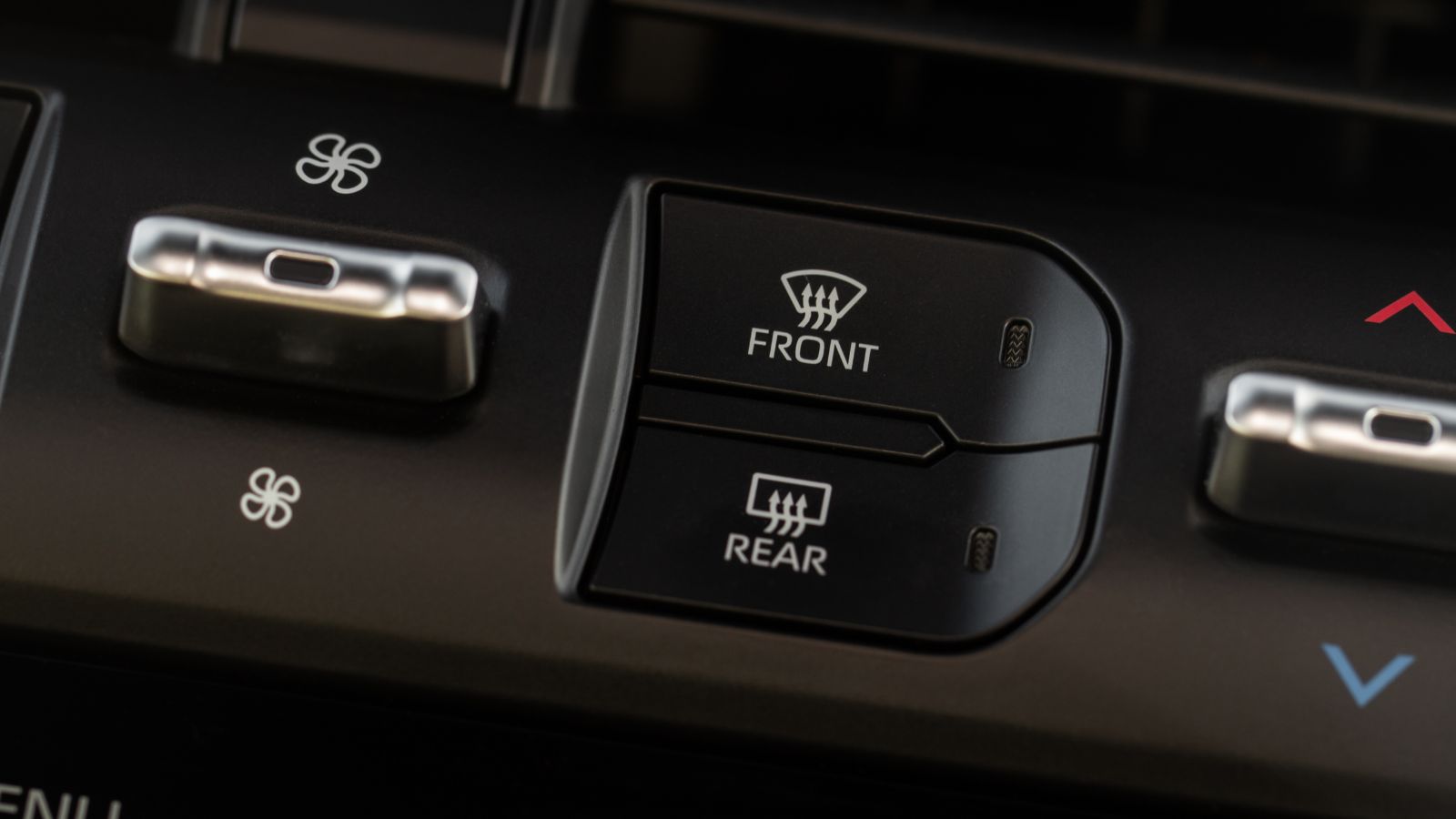
The return to physical controls is no longer just a complaint heard from traditionalists. Euro NCAP changed its 2026 assessment approach to place greater emphasis on the human-machine interface, including the clarity, position, and usability of essential controls. Its guidance specifically recognizes the value of physical controls for commonly used functions. The organization has also publicly encouraged manufacturers to reconsider burying primary functions inside touchscreen menus.
Automakers are responding. Volkswagen has shown upcoming interiors with tactile climate buttons for temperature, fan speed, air conditioning, recirculation, defrost, and rear-window heating, along with a rotary audio controller. Canadian automotive publications have likewise documented manufacturers retreating from some earlier experiments with touch-sensitive controls. That shift does not signal the end of screens; digital cockpits are clearly here to stay. Instead, it suggests the industry is searching for a better balance. For Canadians choosing a vehicle with fewer screens today, the decision may eventually look less like resistance to progress and more like an early preference for technology that knows when to stay out of the way.
19 Used Cars Canadians Should Avoid in 2026 (Based on Owner Complaints)

Buying a used car in Canada can feel safe until repair bills start stacking up. Owner complaints tell a different story than glossy listings. Transmission failures, electrical problems, and weak winter reliability show up again and again in consumer reports. Many of these issues appear after warranties expire, when owners least expect them. Some vehicles look affordable upfront, but become expensive to keep on the road. Others struggle in cold weather, urban driving, or long highway commutes. Here are 19 used cars Canadians should avoid in 2026 (based on owner complaints).
19 Used Cars Canadians Should Avoid in 2026 (Based on Owner Complaints)